
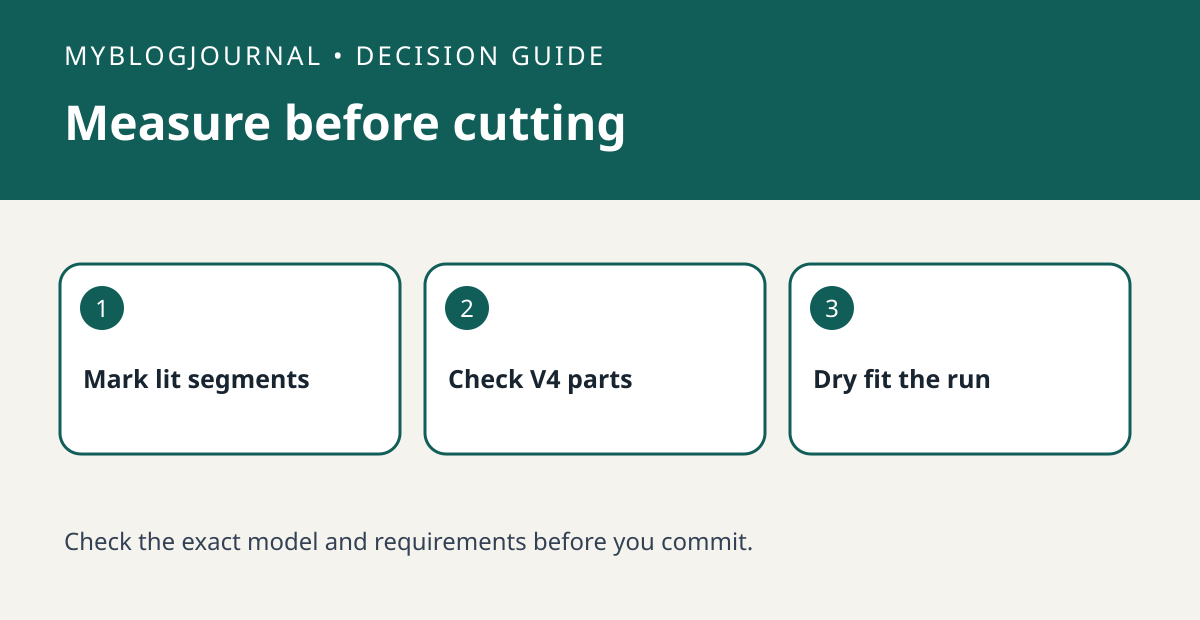
Mark the illuminated run and the permitted cut points before cutting a Philips Hue Lightstrip Plus. The base, extension and cut-end connector are separate pieces with distinct jobs. Philips Hue specifies that its Lightstrip Plus V4 extension is for the V4 product; “Hue strip” on a listing does not make a part compatible with your strip.
Sketch the light you want, not just the furniture length
Draw the cabinet run and mark the power supply, the first visible light and the point where the glow should end. Measure bends and breaks separately. If the ideal end falls between approved cut marks, decide whether to hide excess in a suitable space or accept a shorter illuminated run. Do not assume you can cut at any point or carry light across a gap with a spare connector.
Dry-fit both the useful segment and the offcut
For example, before cutting for one shelf, see whether the proposed offcut has a verified use and a compatible reconnect path under the manufacturer’s instructions. Check which parts are included in your exact base kit. If there is no supported use, price the project as one working run, not two. Test the uncut strip and mark the chosen cut point with it unpowered. Follow the model’s instructions; do not try to adapt this advice to a different Hue strip family.
Source: manufacturer’s current instructions. Related: check whether a room needs a Hue Bridge.


