
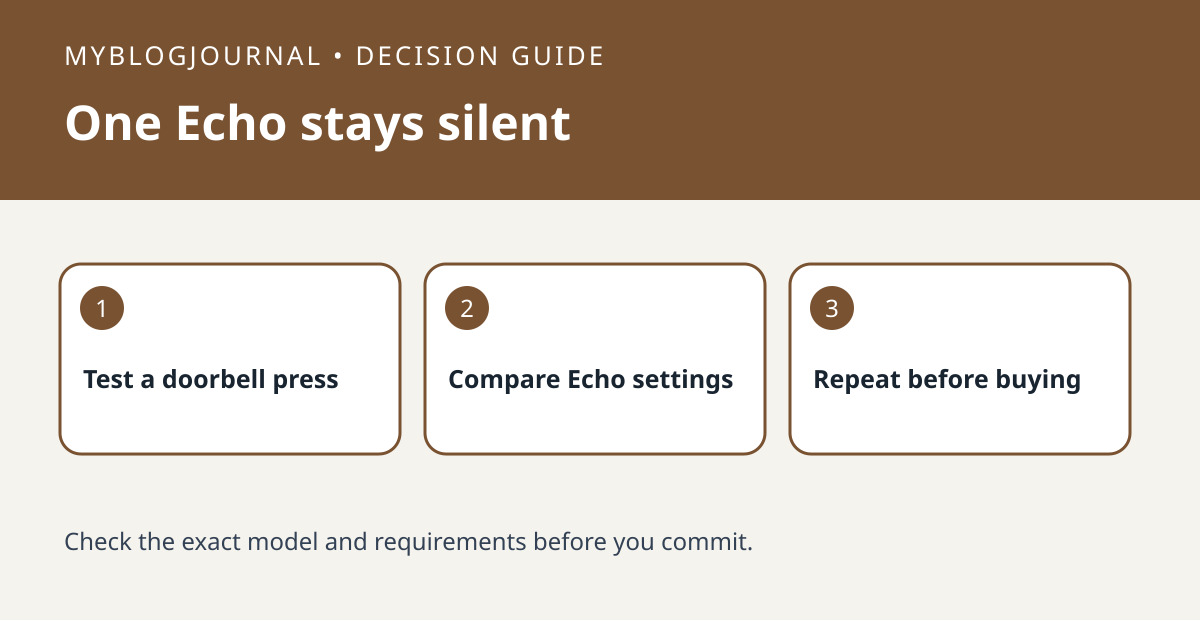
If a doorbell press reaches one Echo but not another, test the silent Echo’s settings before buying a chime or unlinking the Ring integration. A working Echo is a useful control: it shows the same press can reach at least one device.
Use a doorbell press for the comparison
With someone at the door, use one press and record the time, which Echo spoke and which stayed silent. Do not mix this with person or package detection; Ring documents those as separate features with different requirements. In the Alexa app, compare the two Echo devices for the relevant communications and announcements settings and check whether Do Not Disturb is on for the silent one.
Change one setting and repeat
For example, if the kitchen Echo announces and the office Echo is in Do Not Disturb, check whether that is intentional before changing it, then test another press. If neither Echo now announces, recheck the doorbell press setting and the Ring/Alexa connection. Ring says announcements are not available for shared devices, so verify whether the doorbell is shared rather than owned in the setup being tested. Only compare a dedicated chime once you know which failure it would address.
Official documentation: manufacturer’s guide. Related: compare other indoor chime options.


