
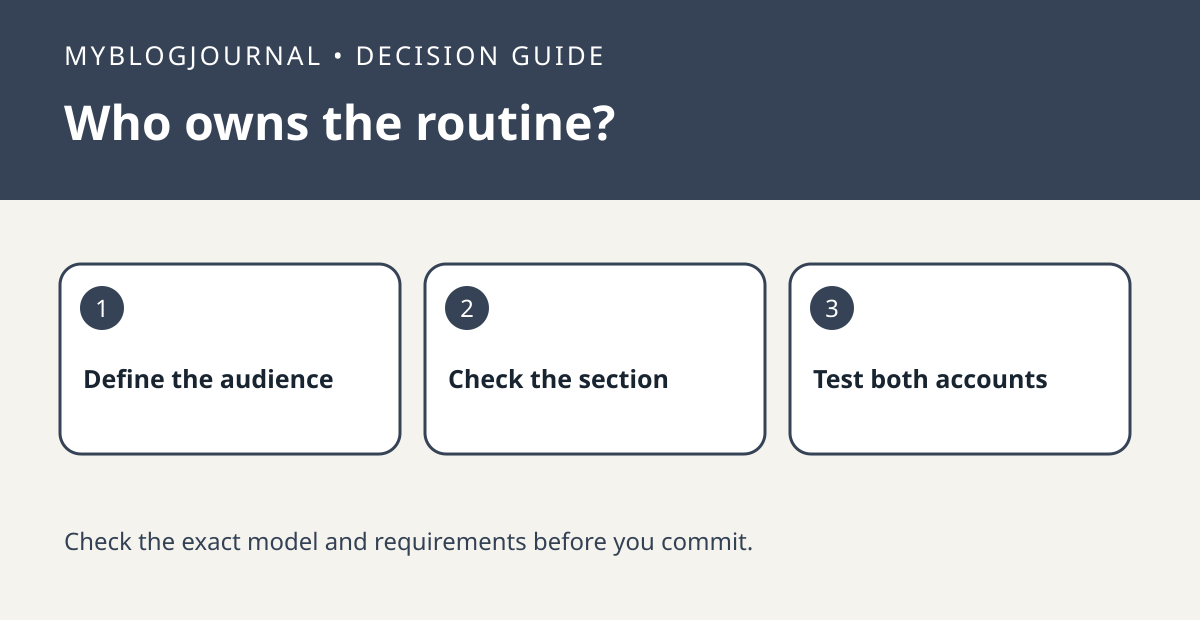
Before replacing a device because a family member cannot see a Google Home routine, check whether it is personal or household. Google’s troubleshooting guide tells you to identify which section contains the automation, and to check the correct home and device support separately. These checks can save you from rebuilding a working setup around the wrong problem.
Write down who needs the routine
“Read my calendar” is different from “turn off the living-room lights after everyone leaves.” For the second job, write down who needs to see or manage the automation and which shared device it should control. In the Home app, check whether the current routine is listed under Personal or Household. If you choose to make a new household version, use a harmless shared action first rather than copying actions that reveal personal information.
Test one trigger and one action at a time
Ask another authorized household member to open the same home. Note whether they can see the automation and whether a simple manual run reaches the target device. If visibility is solved but a device still does not appear as a starter or action, investigate support for that exact function. Avoid running both old and replacement routines on the same schedule; only turn off the old version once the new behavior has been confirmed.
Official documentation: manufacturer’s guide. Related: check personal results on shared displays.


