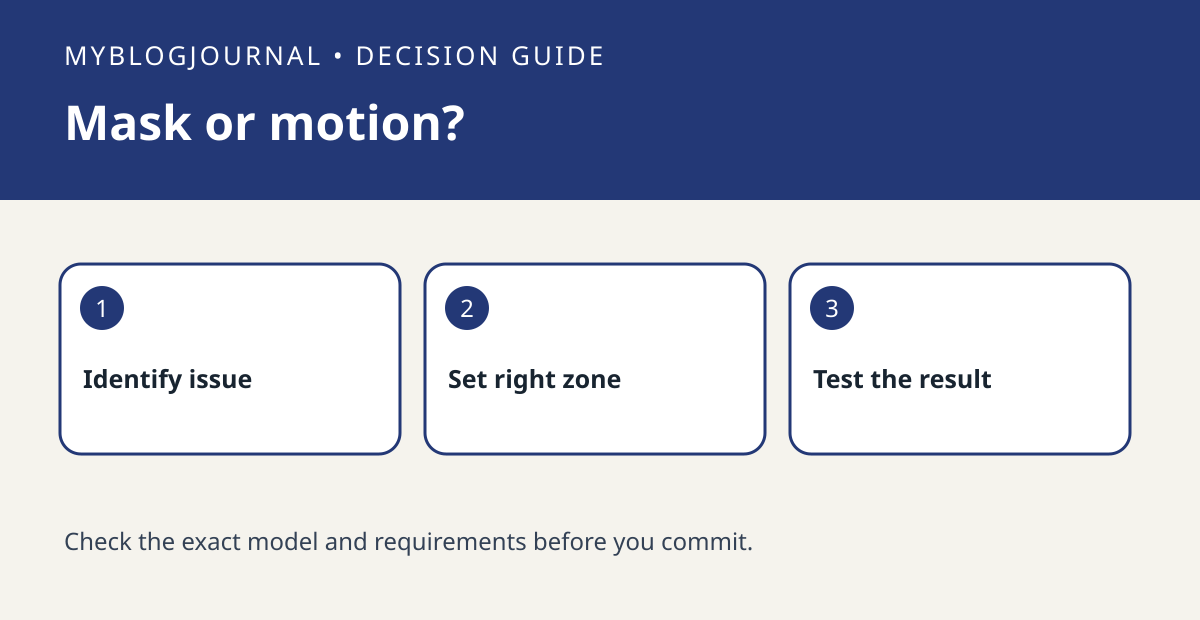
A Privacy Zone masks part of the picture. A Motion Zone helps determine where motion can trigger alerts or eligible recordings. If the neighbor’s doorway should not appear in the picture and the street generates alerts, those are two separate problems. One zone is not a substitute for the other.
Start with a still from your final camera position
On a copy of the still, draw one box around the part that must not be visible and another around the approach that should trigger an alert. Confirm that your exact Ring model supports Privacy Zones before treating masking as a buying requirement. Ring notes that motion may still be detected behind a privacy mask. If the mask would cover the visitor’s face as they approach, change the framing before shrinking the useful area.
Test picture, trigger and audio separately
With a consenting household member, review Live View and, if enabled, a saved recording to confirm what the mask hides. Then have them walk inside and outside your intended detection area and compare notifications. A video mask is not an audio mute; check audio separately. Repeat the picture check after changing the mount angle because the mask follows the image coordinates rather than the physical doorway.
Official documentation: manufacturer’s current guide and additional manufacturer guidance. Related decision: troubleshoot glare through a window.