
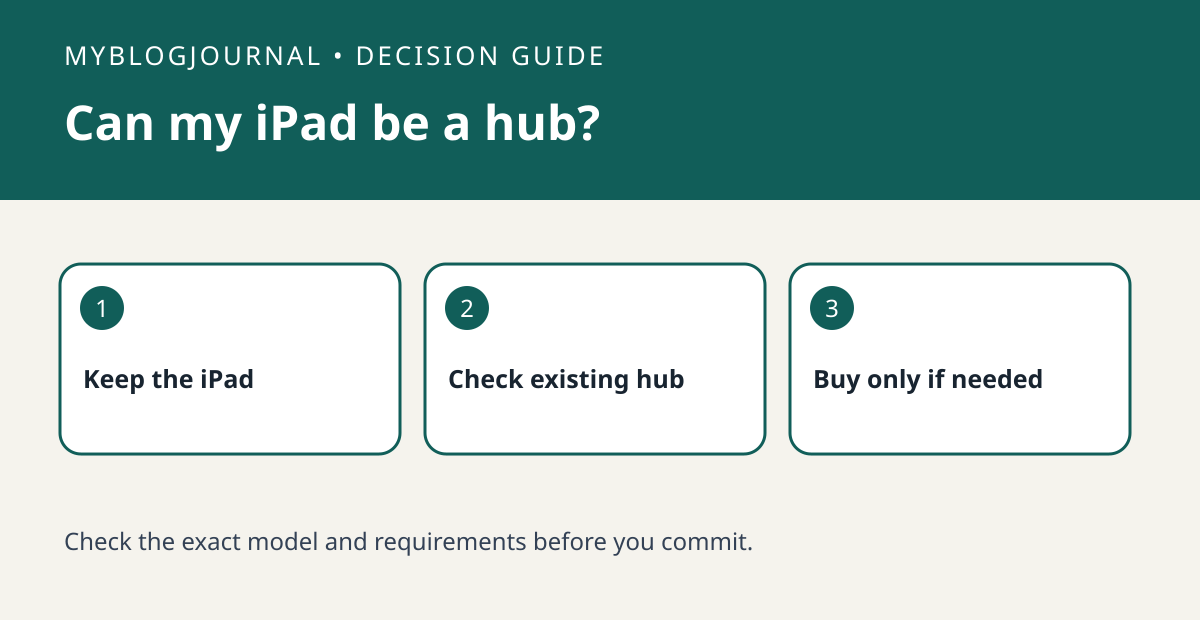
Separate the screen from the hub
An iPad can still be a screen for the Home app, but it is not a hub on the latest Apple Home architecture. A supported Apple TV or HomePod can do the hub job. So a spare tablet may solve where you tap a button without solving who runs the home when you are away.
Inventory what is already working
Open Home Settings and look for the home hubs and bridges screen. Identify the home you are actually editing and compare the listed device with the model in your living room. Owning an Apple TV is not the same as having it assigned to that Home. Apple’s setup guide explains how the room assignment makes a supported Apple TV a hub.
Check the accessory separately
Apple requires a home hub to add Matter accessories in Home. For a Thread accessory, also check the Thread border router requirement. Do not infer Thread support from the words Apple TV 4K alone: Apple specifically identifies the third-generation Wi-Fi + Ethernet model as an example.
Worked purchase decision
Suppose your iPad already controls a lamp and you want to add a Thread sensor. First find the exact model of the Apple TV already in your Home. If the existing setup meets both the hub and Thread requirements, the incremental hub cost can be zero. If it meets only the hub requirement, compare adding a supported border router with changing the sensor choice. Keep the iPad as a control surface either way.
Related: Matter Controller or Thread Border Router? Check Before You Buy.
Primary documentation checked November 6, 2026: Apple’s home hub setup guide and Apple’s current architecture requirements. The examples are illustrative, not hands-on tests. Links are informational.


