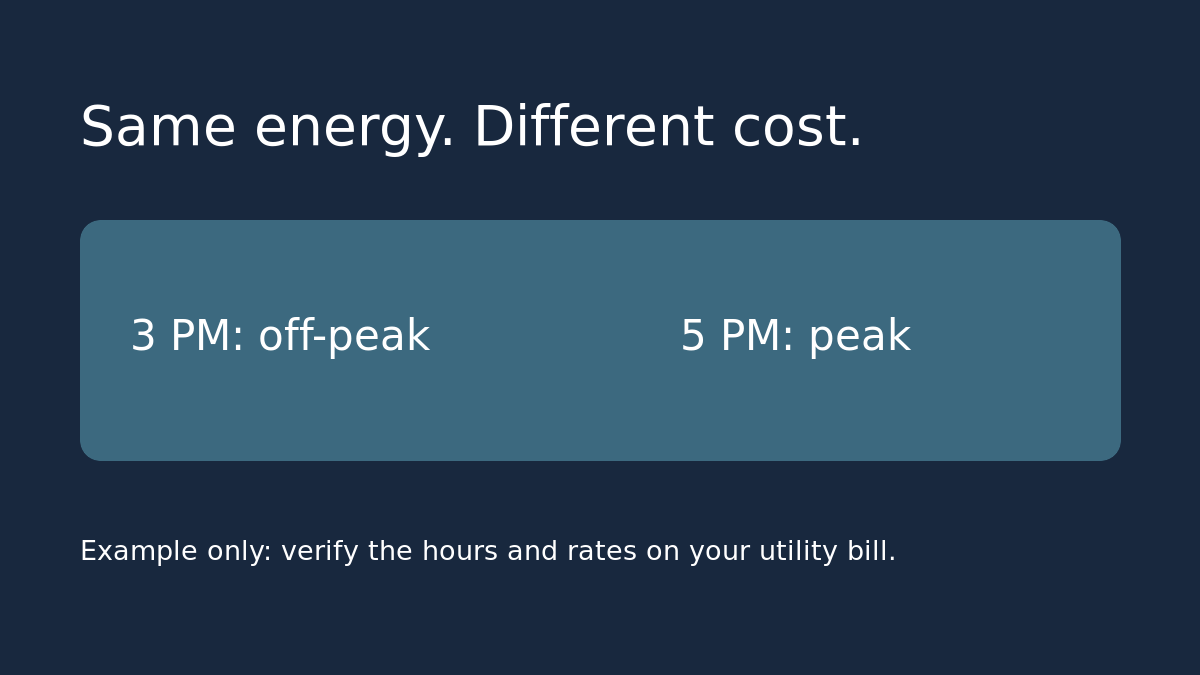
Two days can show the same kWh and different estimated costs. That is expected on a time-of-use plan if the device ran in different rate windows. If the numbers don’t match what you expect, check the tariff schedule before assuming the plug is measuring energy incorrectly.
Choose the mode from your utility bill
In the Tapo plug’s Energy Monitoring screen, look for the billing settings. TP-Link documents a single-rate mode and a Periodic Billing mode for supported plugs. If your rate per kWh is flat, stick with the single-rate mode. If it varies by time, get the current schedule from your utility rather than copying the example rates in the app. Note which days and seasons the peak window covers. Check where the utility lists usage-based delivery charges and whether they vary; don’t fold a fixed monthly account fee into a plug’s per-kWh comparison.
Check the two sides of the boundary
Write down an hour safely inside each rate window. For example, if a weekday peak period runs from 4 to 9 p.m., compare 3 p.m. and 5 p.m. before testing right at 4 p.m. Confirm the weekday, season, device/app time and currency. Enter the rates in dollars per kWh if the app shows dollars: 30 cents is $0.30, not $30. If the app cannot represent an exception in your tariff, write down that limitation and use the utility schedule for your manual comparison.
Validate using energy, not instant power
If you already have suitable usage in each window, use those readings or wait for a normal usage cycle; there’s no need to buy or run a high-load device just to test the calculator. For a simple example, 0.30 kWh at $0.30 costs $0.09, and 0.30 kWh at $0.15 costs $0.045. Together that is $0.135 before any rounding. Compare the app and worksheet over the same period. If only the estimated price looks wrong, review time bands and units first. If the kWh also looks wrong, start with the guide to measured kWh versus a single watt reading.
Use the estimate for the right decision
An app estimate is useful for comparing two times to run a compatible device, not for reconciling every charge on a whole-home bill. In the example, moving that 0.30 kWh saves 4.5 cents per use, or $1.35 for 30 equivalent shifts. That is an illustration, not a savings promise. If a new plug costs $20 and you already have a workable schedule, ask whether the small potential savings or better measurement is worth buying anything. Never automate equipment that the manufacturer says not to leave unattended.
Source: TP-Link’s Tapo energy monitoring feature guide. Billing options and labels may vary by model or app version.