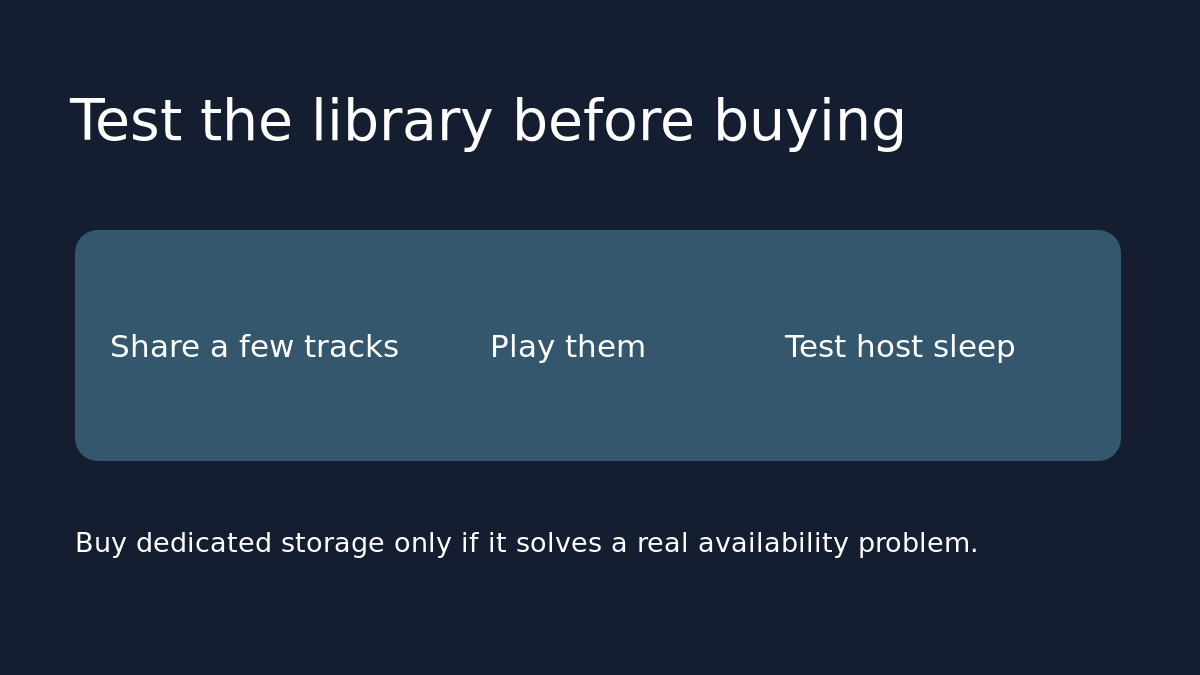
A dedicated network drive makes sense when you want your own music available even while your computer is off. But it won’t fix library compatibility or indexing problems. Before buying one, use a small test library to find out whether your Sonos system actually gives you the browsing and playback experience you want.
Start with tracks you know well
Copy a few legally owned, DRM-free tracks to a separate test folder. Pick two albums and, if you care about it, one compilation whose sorting you can recognize. Keep the originals where they are. Use a local network share on equipment you already own and follow the instructions for your computer or NAS. For the current Sonos app, Sonos specifies SMBv2 or SMBv3; if you use S1, check its separate requirements before choosing hardware. Don’t enable an obsolete protocol or expose a share to the internet to make the test pass.
Prove browsing and playback separately
Add the share by network path, following Sonos’s instructions, and let it index. First, look for the two albums and see whether they are grouped as expected. Then play a track and skip to another. If the share cannot be added and you see Error 913, check the sharing method before shopping for speakers or storage. If tracks play but the compilation is sorted the way you didn’t want, review the file tags with the test copies first. A new drive would still contain the same files.
Test whether you actually need an always-on box
While the host is on, try the same track in the room where you most often listen. Then let the computer sleep or shut it down and try a fresh track from the test library rather than relying on one already playing. If access disappears and returns when the host wakes, you’ve identified an availability issue. A NAS is relevant if that happens frequently and you actually want music while the computer is off. If you normally listen while your computer is already awake, the existing setup may cost nothing extra to keep.
Compare complete costs, not the enclosure price
For a NAS quote, add drives if not included, a separate backup if you need one, and the electricity it will use. Compare incremental energy use, not the computer’s full bill: for example, if a device averages an extra 10 watts around the clock, that is 87.6 kWh in a 365-day year, or about $17.52 at an illustrative 20 cents per kWh. Use measured or documented power and your actual rate. If you’re buying used, confirm which drives are included and that the specific model supports the required sharing protocol. Don’t move your only copy of the music onto the new drive.
Sources: Sonos’s NAS setup guide and its Error 913 guide. If several products also stopped working after a network change, start with the Sonos room-by-room network check before attributing every problem to the music share.