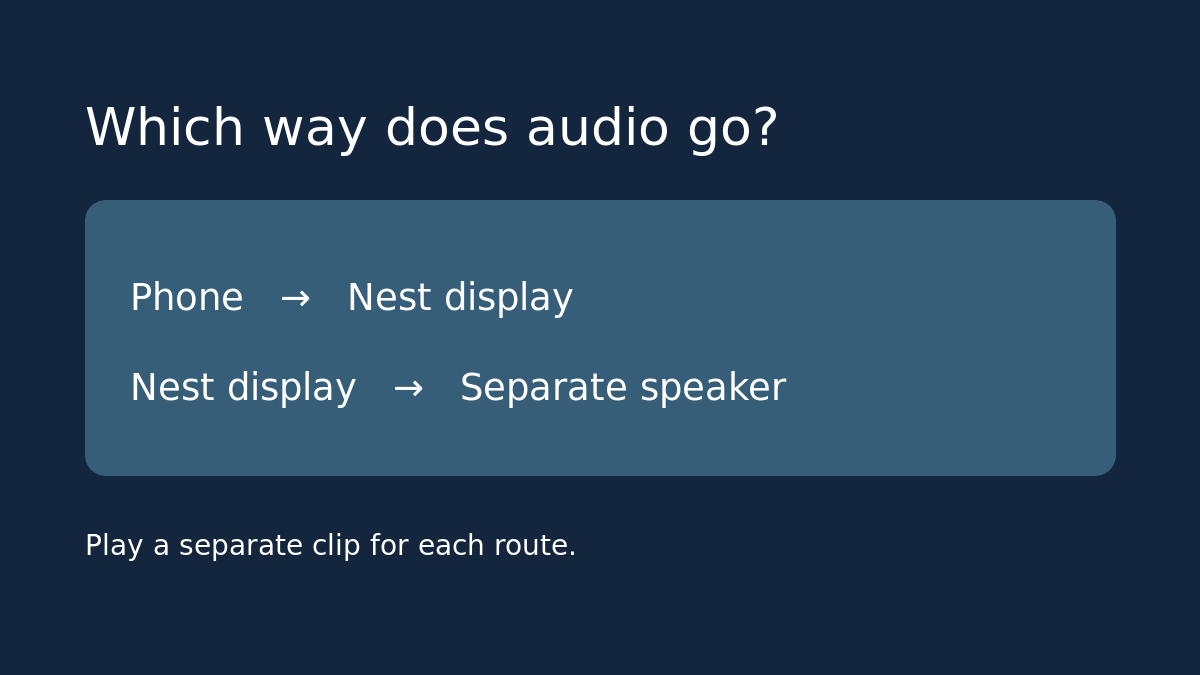
If you want to hear a recording from your phone on a Nest display, the display is the speaker. If you want the display to play music through a separate Bluetooth speaker, the display is the source. Test the direction you actually need before spending money: success in one direction doesn’t prove the other works.
Write down the source and the destination
Start with a sentence like “My phone plays an audiobook, and I want the Nest display to make the sound,” or “The Nest display plays music, and I want the speaker by the sofa to make the sound.” If you want both, run two tests. Use gear you already have, or ask a used seller to demonstrate your exact direction before checkout. Record the display model and don’t assume every generation has the same menu.
Test phone-to-display with an audio clip you can identify
Google documents on-screen Bluetooth pairing for the Nest Hub Max and first-generation Nest Hub in its display guide. If those controls are available, open System Settings, choose Bluetooth, and select the option to use the display as a speaker. Find the display in the phone’s Bluetooth menu. Play a short clip from the phone and confirm which device actually produces the sound. Pause from the phone to verify you aren’t hearing a separate stream. If the on-screen menu is missing, Google notes that displays running Cast OS can use the Home app or voice pairing instead. Check the model and available route before calling the hardware faulty.
Test display-to-speaker without sending audio from your phone
Stop the first clip and disconnect the phone’s Bluetooth connection to the display so you know which source is active. Put the speaker in pairing mode. Where the display’s Bluetooth settings offer the option to pair a new device, select the speaker. If your model uses a different menu, follow Google’s model instructions. Start music on the display and listen for sound at the separate speaker. Pause from the display to confirm the route. This tests music output; don’t assume that every sound the display makes follows the same route.
Make the purchase decision from what passed
If the phone plays through the display but display-started music still comes out of the display, you have proved only the first route. Try your intended speaker with the display and play from the normal listening position before buying a second one. If the existing setup passes your test, keep it. If the seller can only demonstrate the opposite direction, treat the one you need as unverified and check the return terms. Restore your preferred audio route when finished.
Source: Google’s Nest display controls and Bluetooth pairing guide. If audio is only one reason you want a display, see our budget smart-home buying guide to weigh it against the other jobs you need it to do.