A Hub 2 can report a plausible temperature that is wrong for the middle of the room. The measurement comes from the sensor in its cable. Moving the hub’s display or adjusting calibration won’t solve the problem if the cable sensor stays behind a warm television or in direct sun.
Find the actual measurement point
Follow the original cable and identify the sensor opening using SwitchBot’s support illustration. Note where it sits relative to heat, sunlight and air movement. Keep the opening clear: do not tape over it or tuck it inside a cable sleeve. If the readings are missing altogether and the cable was swapped, use the Hub 2 replacement-cable check first. This test is for readings that still appear.
Separate placement from disagreement
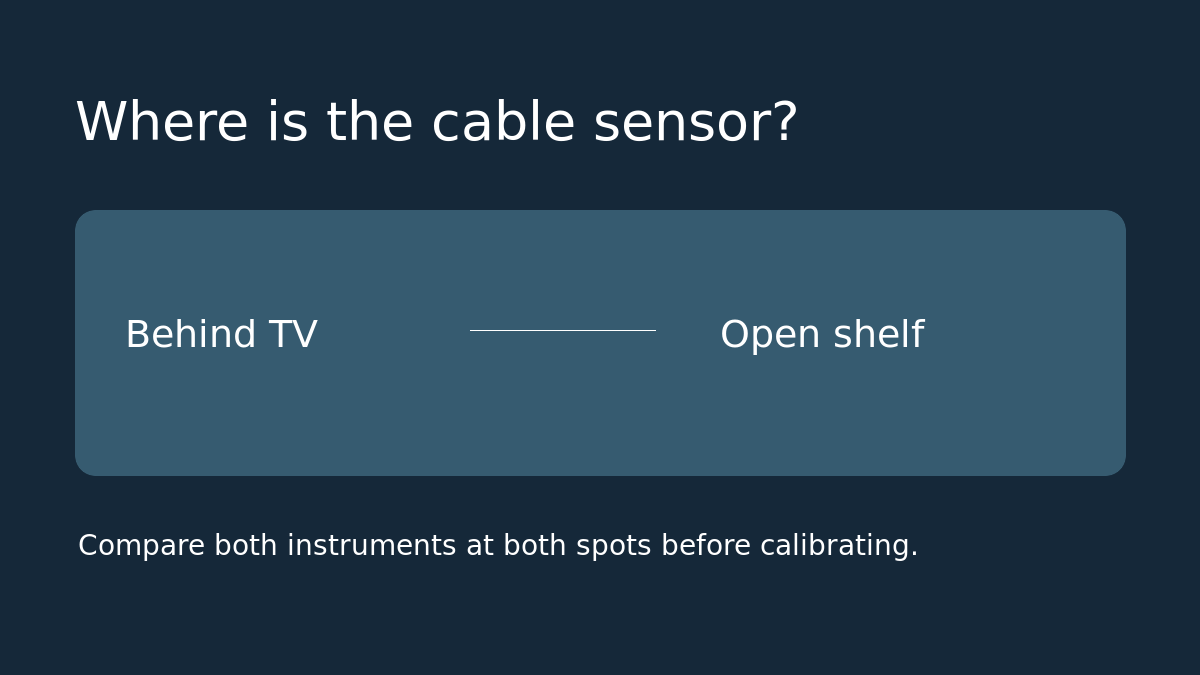
Use a room thermometer you already have as a comparison, if available. Put it beside the cable sensor without blocking either opening. Let the readings settle and note both numbers, the time, and whether nearby equipment is on. Next, move both measuring points together to a shaded, open location that represents the room area you care about. Keep the reference and cable close together and keep their vents clear. Do not change calibration between locations. If you cannot safely reach the second spot without pulling the cable taut, try a closer open location instead.
Read the two results before spending
If both instruments agree closely at each location but both read warmer behind the TV, you measured two different conditions. Leave calibration alone and choose a better sensor location. If the two instruments continue to disagree in both spots, that is a reason to compare with a reference of known accuracy, not proof that the Hub 2 is the one that is wrong. If the readings keep drifting, wait for them to settle and repeat before making a decision.
Example: behind the TV, the Hub reads 78°F and the reference reads 77°F. On an open shelf they read 72°F and 72°F. Subtracting six degrees in calibration would hide the first placement problem and create an error at the shelf. These are example readings, not a product accuracy claim.
Calibrate only if placement is no longer the issue
If the comparison against a reliable reference shows a persistent difference in the intended spot, record the original calibration setting. Follow the app’s Temperature/Humidity Calibration instructions and wait before comparing again. Check temperature and humidity separately; agreement on one does not establish agreement on the other. If a better cable position would make the control panel inconvenient, consider an independent room sensor only after checking its app compatibility and what it will cost in total.
Sources: SwitchBot’s Hub 2 measurement troubleshooting and its sensor-cable documentation.