A smart display that is readable at the counter may be unreadable from the stove. Before replacing it, separate two questions: does the on-screen layout respond to your distance, and are the digits big enough from where you actually cook? You can answer both without buying anything.
Mark your two viewing spots
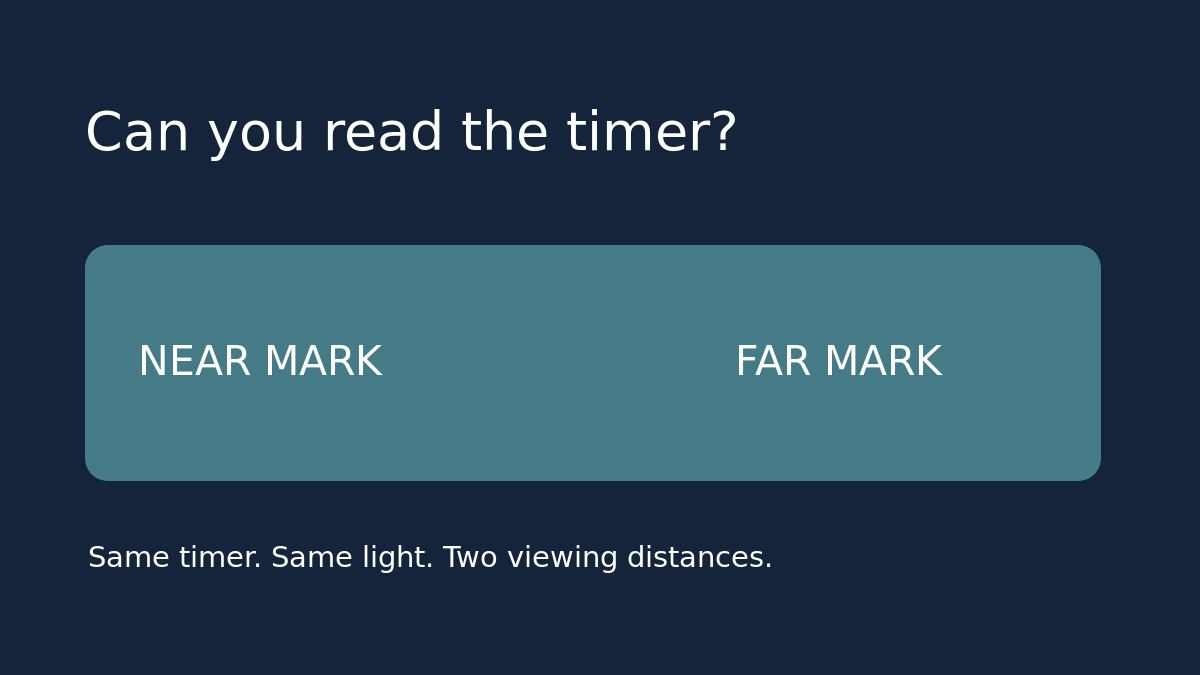
Pick one close spot and one place where you normally need to glance at the timer. For example, use the front of the counter at about two feet and the opposite counter at about six feet. Google describes a roughly four-foot detection range for Nest Hub and Nest Hub Max; that is approximate, not a rule about how far away text remains legible. Keep the display in one place, leave the room lights unchanged, and avoid leaning toward the screen when you score the far view.
Compare the same timer without touching the screen
Start a two-minute test timer on the display. From the far mark, write down the remaining time you can read without moving. Walk to the near mark, note whether the layout changes, then return to the far mark. If you can see a layout change but still cannot read the digits at the far mark, write down both outcomes. A responding sensor is not the same thing as a usable sightline.
If nothing changes, check the controls before blaming the screen
In Google Home, open the display’s settings, then Recognition & sharing, and look for Ultrasound Sensing. Google says muting the device microphone disables this sensing, even if the app setting is on. If you keep the microphone muted by choice, leave it that way and treat your muted result as the baseline. If you are comfortable testing with it unmuted, run the same timer with Ultrasound Sensing on and then off, changing only that setting. Restore your original preferences when done. This is a proximity test, not a test of hand gestures, camera access or alarm volume.
Use the result to decide what to buy—or not buy
If the timer reads well after a small move, use the new location and keep the screen. For a kitchen, use a stable dry spot away from heat and splashes, with the cord out of walking and work paths. If only the far view fails and you need the screen there, ask for a demonstration of the same timer at that distance before buying a larger unit. Do not judge from a close-up product photo. If you only need to know when time is up, try an audible timer you already own before paying for a screen.
Example: if the far counter is six feet away and the display is legible at four, moving it two feet closer may be a better first test than comparing replacement models. If the only safe spot is still six feet away, write “readable from six feet in kitchen lighting” on your shopping list. Make that the pass/fail test, then include shipping, tax and any missing power adapter in the checkout total.
See Google’s Ultrasound Sensing documentation for the setting and microphone dependency. If you are still deciding whether a screen solves your problem in the first place, see the smart display versus smart plug buying guide.