
Treat power and sound as separate jobs
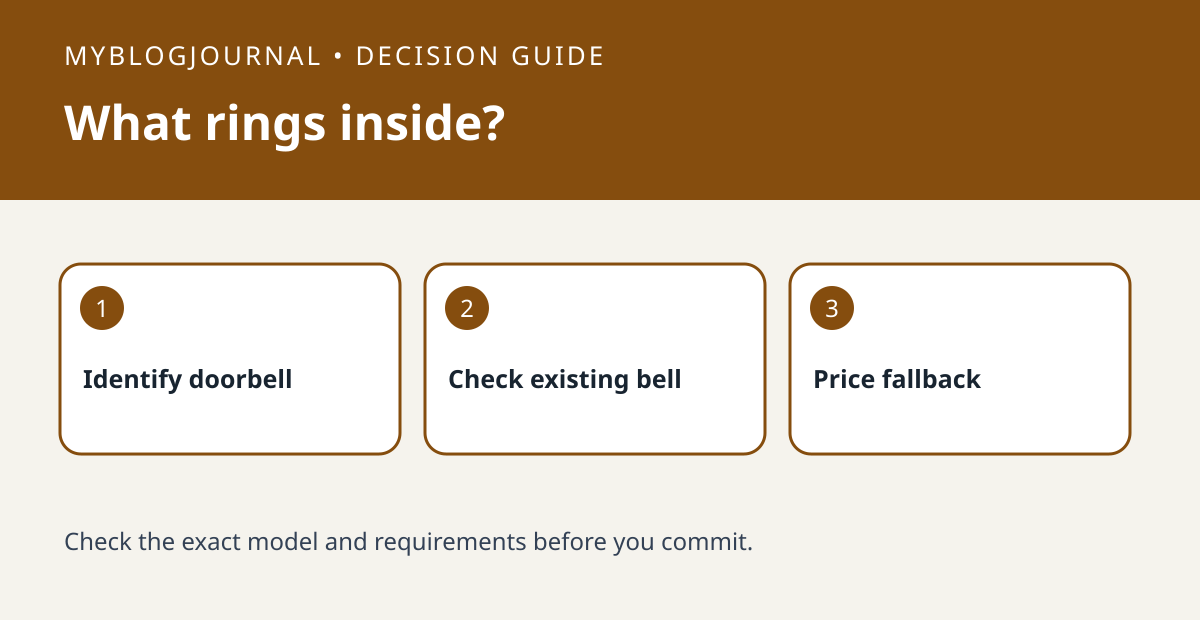
A doorbell that can connect to existing wiring does not necessarily operate the existing indoor chime. Ring’s support guide lists models that do not support an existing in-home chime, including the Video Doorbell Wired. Start with the full model name rather than treating wired as a compatibility label.
List who needs to hear the press
Write down the rooms where a visitor press matters and whether someone there normally has a phone. A phone notification, an announcement from a compatible speaker and an audible accessory chime are different delivery paths. Check the exact model’s supported alternatives; some models specify a particular accessory.
Compare installed cost
Compare doorbell plus required indoor alert hardware plus any professional installation. Do not count an already-owned speaker as a zero-cost solution until you confirm the announcement behavior your household wants. If the wiring or existing chime model is unclear, get a qualified installer to identify it; this is not a wiring guide.
Worked buying decision
An illustrative $55 doorbell plus a required $30 chime totals $85 before tax or labor. An $80 option that works with your confirmed existing chime might cost less overall. The example uses invented basket prices, not current Ring offers. After setup, press the button once from outside while someone checks the intended room with their phone silent.
Related: Video Doorbell Storage Costs: Local Card, Home Hub, or Cloud Plan?.
Primary documentation checked November 6, 2026: Ring’s indoor chime compatibility guide. The examples are illustrative, not hands-on tests. Links are informational.


