
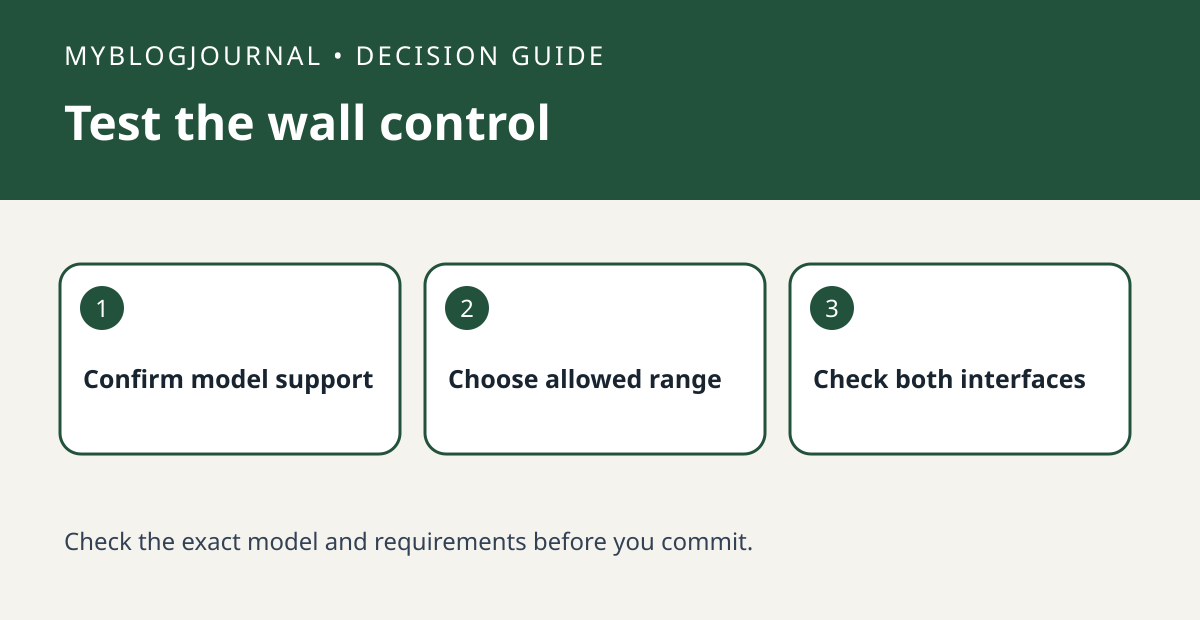
If you want guests to adjust a Nest thermostat without changing all of its settings, check the exact model’s lock support and test at the wall. Google describes a lock that can limit changes on supported models, with instructions that depend on the thermostat and app. A lock on the wall control is not the same as changing access to the home account.
Write down the behavior you want
For example, a guest should be able to make an ordinary adjustment within a range, while the household owner keeps control of the settings. Check Google’s model-specific instructions and use a range appropriate to the people and home; do not copy a generic temperature recommendation. Plan who can unlock it and keep the PIN private. Make sure authorized household members retain access.
Try one permitted and one restricted adjustment
With a willing household member, verify an in-range adjustment at the thermostat, then check that an out-of-range request is restricted. Review the authorized app behavior separately, and restore your normal schedule after the test. If the model lacks the feature, do not assume a new sensor adds it. If the real issue is that a room runs warmer or cooler than the hallway, that is a separate sensing or HVAC distribution question.
Source: manufacturer’s current documentation. Related: check the companion setup or buying guide.


