
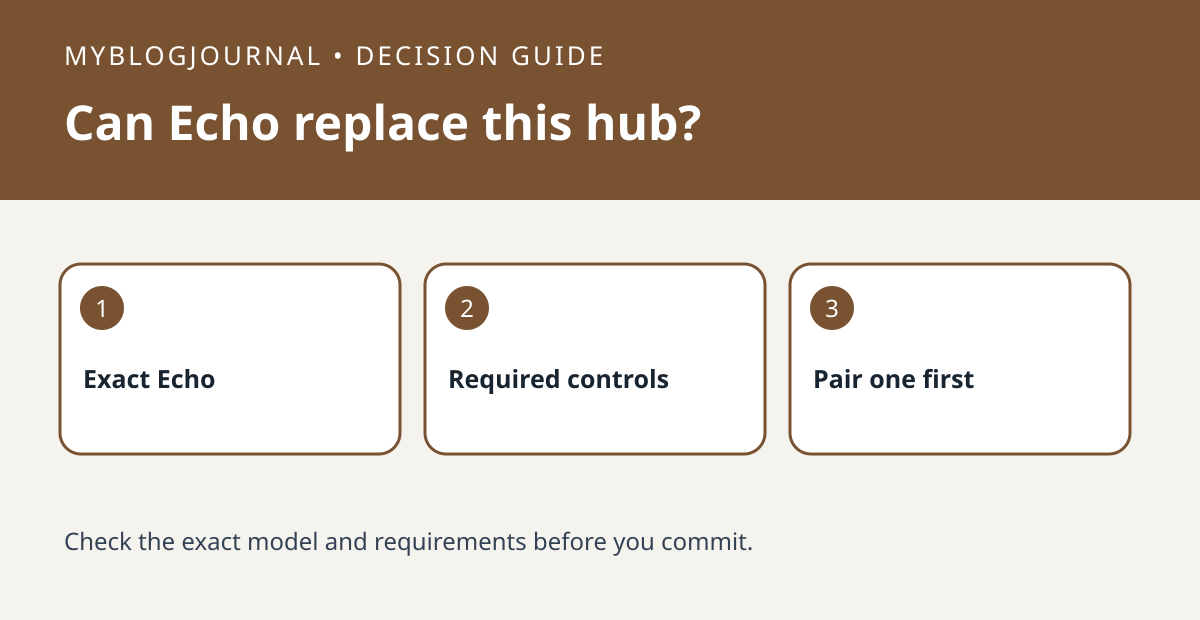
Start with the Echo model, not the Alexa logo
Amazon documents direct Zigbee pairing on compatible Echo devices with a built-in smart-home hub. That is a hardware capability, not a promise that every Alexa speaker can pair directly. Check the model in your device list and use Amazon’s hub check rather than buying a separate bridge on the strength of a generic listing.
Make a feature list for the accessory
For a bulb, your list might be power and dimming. For a sensor, it could be an event you need to use in a routine. Ask whether that exact accessory exposes the required feature through direct pairing. Vendor-specific features or update options should be confirmed separately in the manufacturer’s instructions, not assumed from a Zigbee logo.
Compare two baskets
Basket A is the accessory and an already-owned compatible Echo. Basket B is the same accessory and its required vendor bridge. A zero-dollar hub line in A is meaningful only if the essential controls work. If you already have an accessory paired through a vendor hub, keep its working setup until you understand the impact of changing controllers.
Validate one device before expanding
Follow the accessory’s pairing-mode instructions and Amazon’s discovery steps, then test the control that matters from the room where it will be used. A hypothetical household buying four bulbs can check one first: if direct control covers the intended job, it can avoid an unnecessary bridge; if it does not, compare the documented vendor path before buying the other three.
Related: Do Smart Bulbs Need a Hub? Compare Bluetooth, Wi-Fi, Zigbee, and Matter.
Primary documentation checked November 6, 2026: Amazon’s built-in Zigbee hub guide. The examples are illustrative, not hands-on tests. Links are informational.


