
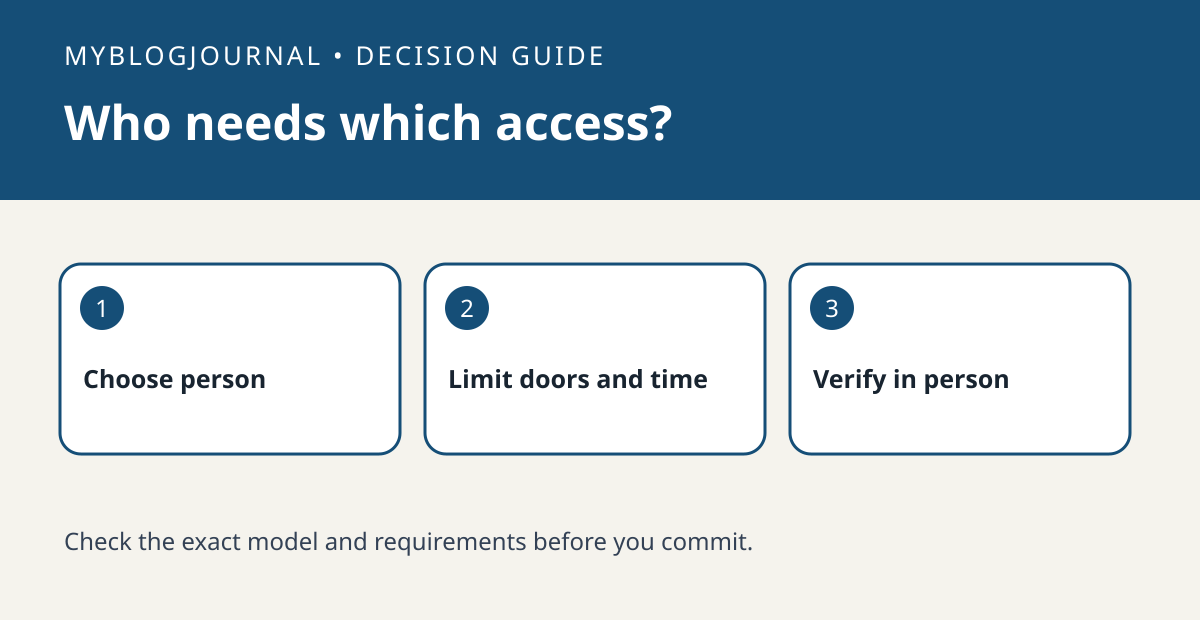
Pick the smallest access that matches the job
Apple distinguishes residents, who can control home accessories, from guests, who can have local access to selected entry or security accessories on a schedule. Do not add someone as a resident just because a guest workflow is missing on the lock you are considering.
Confirm requirements before buying
Apple documents a home hub requirement for guest access and iOS or iPadOS 18 or later for guests. Check the exact accessory, the invited person’s device, and how they accept the invitation. Do not assume that a vendor’s keypad code, an Apple Wallet key, and an Apple Home guest invitation are interchangeable.
Use a scope worksheet
For a hypothetical dog walker, write: side door only; Tuesday and Thursday; afternoon window; end after the last visit. Compare those requirements with the schedule options and compatible accessories the platform actually exposes. If a different person needs to control lights while away, treat that as a separate access decision rather than expanding the first guest’s permissions.
Validate with the invitee before relying on it
Have the person try their expected entry while you are present and keep a supported fallback available. Confirm the chosen door and the end condition. Do not publish entry codes or put access instructions in a shared public document. If the requirement is a simple temporary code without an Apple device, compare the lock maker’s documented code workflow before committing to Apple Home.
Related: Retrofit Smart Locks: Check the Deadbolt, Not Just the Door.
Primary documentation checked November 6, 2026: Apple’s guest and resident access guide. The examples are illustrative, not hands-on tests. Links are informational.


