If you already own a VINDSTYRKA sensor, buying a hub is not the first step in every use case. Decide whether you want to read its display in the room or see the information in IKEA Home smart. Those are different tasks with different equipment requirements. This guide covers the documented VINDSTYRKA model, not a recommendation that it is the newest sensor or currently available in every US store.
Keep the standalone and connected paths separate
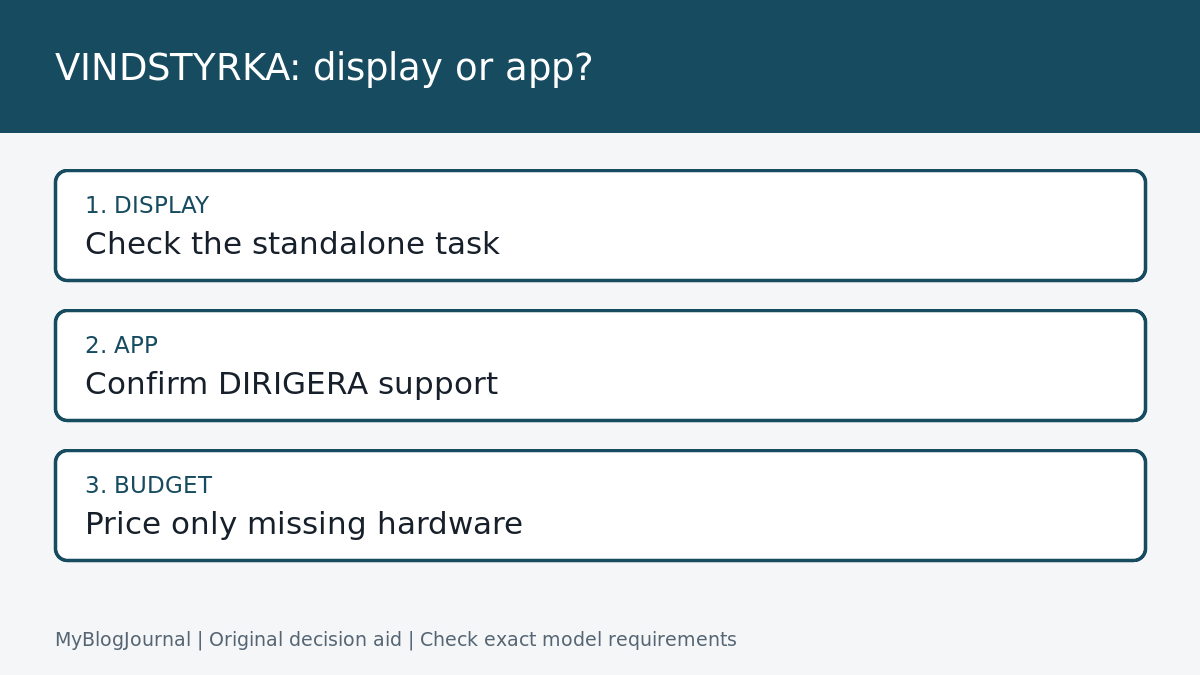
IKEA’s US instructions say VINDSTYRKA can operate freestanding and can connect to DIRIGERA. Connecting it to that hub makes room information visible in the IKEA Home smart app. The manual specifies a recommended 5 V DC, 1 A power supply, not included. IKEA’s model-specific support page explicitly says VINDSTYRKA cannot connect to the older TRÅDFRI gateway.
The device provides room-condition information, including particle, temperature and humidity information and a TVOC indication. It is not an air purifier. Do not infer that an on-screen reading has cleaned a room or that buying a hub changes what the physical sensor measures.
Write the task in one sentence
Use ‘I want to glance at the sensor beside my desk’ or ‘I want to see this room in IKEA Home smart.’ Avoid ‘I want smart air quality,’ which hides whether an app is even necessary. If the display already answers the question, identify a concrete missing function before adding infrastructure.
Make a short inventory: exact sensor name, existing power supply, existing IKEA hub model and intended phone app. Verify names from labels or settings, not the round shape of a hub. Having IKEA lighting does not prove that the installed gateway is DIRIGERA.
Compare the incremental cost
For the display-only path, price any missing manufacturer-compatible power equipment and a suitable location. For the app path, add a DIRIGERA hub only if you do not already have one, plus any installation requirements. Record shipping and tax separately. Do not count an incompatible old gateway as free supporting hardware.
For example, an existing owner with a working display and a TRÅDFRI gateway can keep using the display while investigating the cost of app access. That owner does not need to replace the sensor just because the old gateway cannot connect to it. Conversely, a low-priced second-hand sensor is not a complete app-connected bundle by itself.
Verify the result before adding another sensor
First confirm the powered device operates normally on its display. If app access is the chosen task, follow the current app and manual instructions, then check that the correct room and sensor appear. Note the model and date of setup. Do not buy a second unit to solve an unverified hub mismatch.
Keep this as a convenience-monitoring decision, not a safety or medical assessment of indoor air. Follow dedicated alarm and ventilation guidance where required. No health improvement, measured accuracy, remote-access feature beyond the documented setup, or savings claim is made here. For a new purchase, compare currently supported regional alternatives and checkout availability rather than assuming this older model is the default choice.
Manufacturer documentation checked November 18, 2026: official model requirements and instructions and additional manufacturer guidance. This is documentation-based guidance, not firsthand testing. Check the exact regional model and current availability before purchasing.
Related: check existing IKEA devices before buying a new hub. Links are informational; no affiliate arrangement or earnings are claimed.