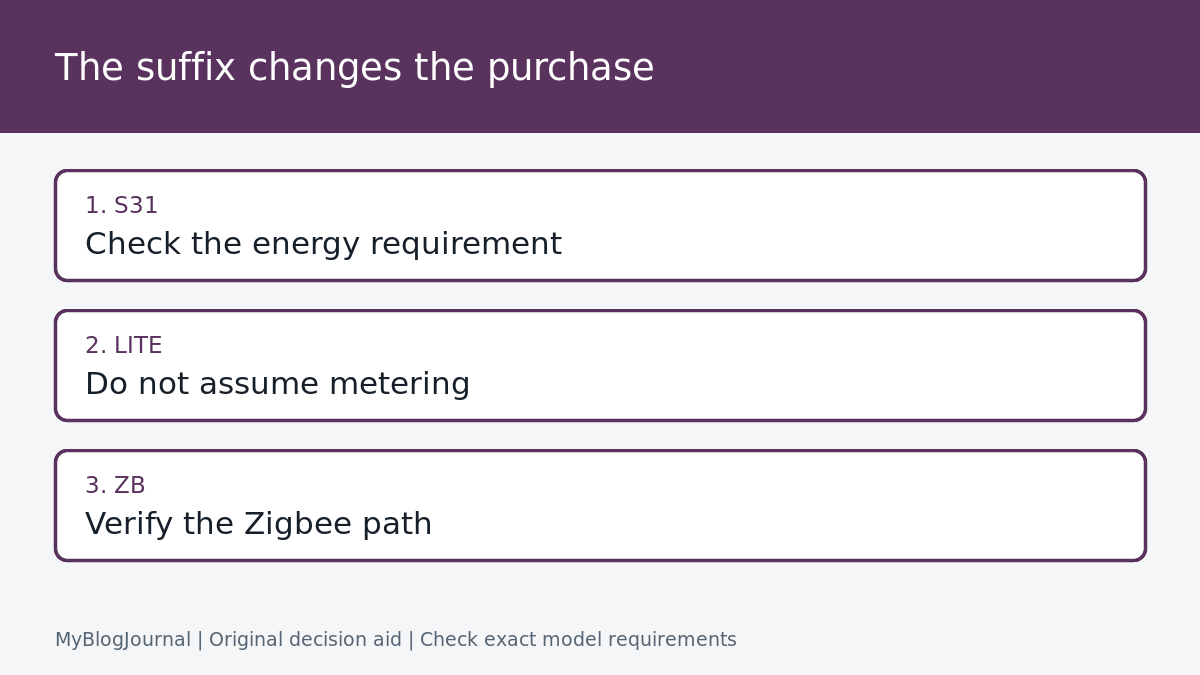
Three almost-matching SONOFF plug names can lead to different shopping baskets. Before ordering an S31-family plug, copy the full model name, including Lite and ZB where present. Decide whether you want basic switching, energy information or a plug that joins an existing Zigbee system. One product-family heading does not make the variants interchangeable.
Separate network type from energy monitoring
SONOFF’s current S31/S31 Lite page identifies those two products as 2.4 GHz Wi-Fi plugs and explicitly limits energy monitoring to S31, not S31 Lite. The separate S31 Lite ZB page identifies a Zigbee model and describes supported connections through Zigbee-capable hubs, including compatible Echo and SmartThings hardware. Check the exact plug’s manual rather than borrowing features from a similarly named listing.
These are US-type electrical products in the cited documentation. Check the regional label, supply requirements and load restrictions for the actual device. A plug shape or quoted maximum current is not permission to automate any appliance with that connector.
Write a minimum requirement before comparing price
For a lamp, the minimum requirement may be on/off control in the app you already use. For a cost-measurement project, it must include documented energy monitoring. For an established Zigbee installation, it may be a confirmed hub pairing. Keep those requirements separate so you do not pay for an irrelevant feature or omit an essential one.
Create one row per listing: full model, network, required app or hub, energy feature confirmed, region and checkout total. Treat a missing model suffix as unresolved. Ask the seller for the label before buying a used unit or accepting a generic product photograph.
Compare complete paths, not the headline price
If a compatible Wi-Fi setup already exists, a Wi-Fi model may not need a separate Zigbee hub. If a supported Zigbee hub already exists, the ZB route may reuse that hardware. A household with neither should price the complete system, including any missing supported controller and its location.
Suppose the task is to measure a device’s usage, but the cheapest selected variant is S31 Lite. The official exclusion means that variant fails the requirement even if switching works perfectly. Conversely, buying S31 only for a basic lamp task should be justified by a feature you actually intend to use.
Verify the delivered item before expansion
Match the box and device label to the order, then follow the correct manual. Test a harmless compatible lamp first. Confirm both on and off actions through the chosen control path. If energy monitoring was the reason for purchase, verify that the expected readings appear for the documented model before buying more units.
Keep the lamp’s physical switching arrangement and the household’s manual control method clear. Do not use initial automation tests on heaters, cooking appliances, essential equipment or any device that must not restart unattended. Stop if the plug or load behaves abnormally and follow manufacturer safety guidance.
Know what a reading does not prove
A power reading is not an electricity-bill audit, and a remotely switched plug does not guarantee lower consumption. Use measured energy over a representative period and the appropriate tariff for any later cost calculation. This is an exact-model selection aid, not a hands-on electrical test, savings promise or claim that every platform exposes every product feature.
Manufacturer documentation checked November 18, 2026: official model requirements and instructions and additional manufacturer guidance. This is documentation-based guidance, not firsthand testing. Check the exact regional model and current availability before purchasing.
Related: understand kWh and watts before estimating appliance costs. Links are informational; no affiliate arrangement or earnings are claimed.