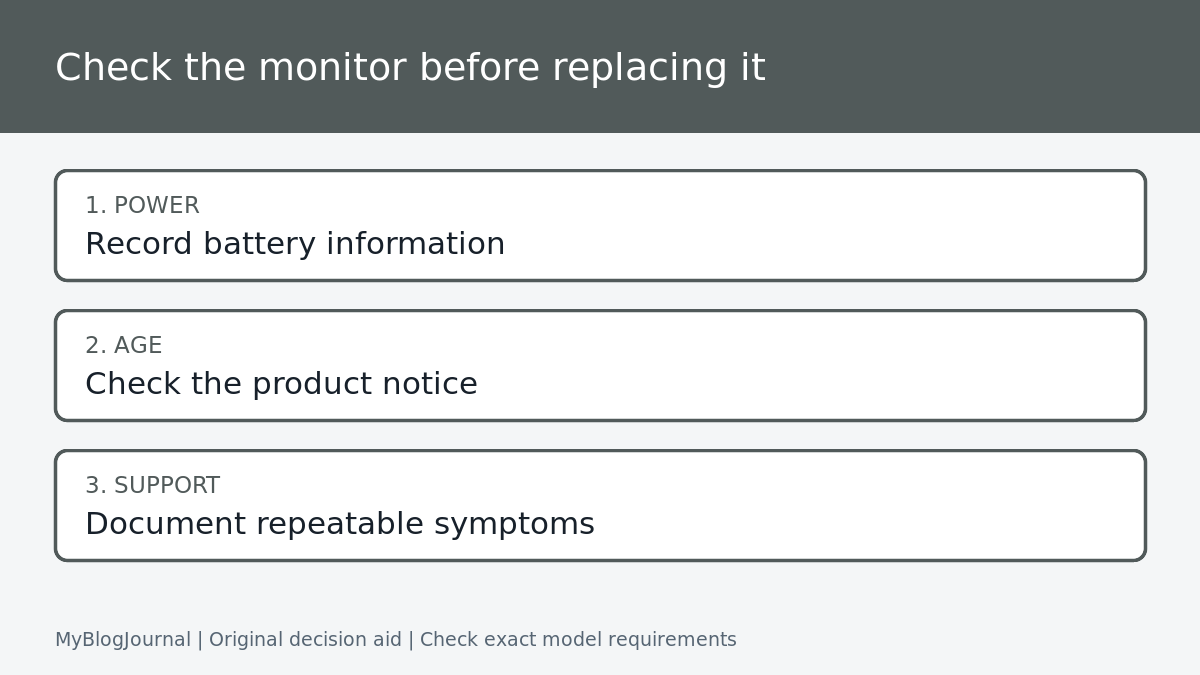
An unreliable display can derail a beginner’s plan to record simple rowing sessions, but a replacement PM5 should not be the first expense you assume. Establish the monitor’s power state and age, save useful workout information and follow the manufacturer’s troubleshooting path. This is an equipment-readiness check, not a training prescription.
Record what actually fails
Describe the symptom precisely: will not wake, turns off during use, restarts, or loses only a phone connection. Note whether it occurs before rowing, while rowing or after attaching an accessory. A Bluetooth disconnection with the display still running is different from the monitor losing power.
If the PM5 can be operated, Concept2 gives this battery-check path: Main Menu, More Options, Utilities, Battery. The display shows a percentage. The manufacturer specifies two D-cell batteries. Follow the current manual for correct battery type, installation and handling; do not substitute a charger or improvised power arrangement.
Concept2’s product notice says PM5 monitors on indoor rowers and SkiErgs manufactured before April 14, 2015 may have issues associated with loose batteries in the compartment. It directs owners to identify machine age using the appropriate serial-number location. Check that notice before concluding that an older monitor needs replacement, and contact Concept2 when applicability is unclear.
Do not wedge objects into a battery compartment or alter contacts based on this article. Leakage, corrosion, broken parts or a damaged compartment need the manufacturer’s handling guidance. A visible physical problem is a reason to stop the casual test, not to keep trying different batteries.
Save a compact diagnostic record
Use a note with monitor identity, machine serial information, battery percentage if readable, installed battery details and the exact failure. Include whether the display itself went off. If workout records matter, review or transfer them using supported methods before undertaking troubleshooting that might affect settings or stored data.
For example, ‘screen remains on but ErgData disconnects’ belongs in the connectivity branch. ‘screen restarts whenever the machine is used’ belongs in the power/fault branch and should include the battery and age checks. Neither observation alone establishes a defective monitor or the price of a repair.
Keep the test small and repeatable
After any manufacturer-directed correction, check normal startup and a brief, comfortable equipment-use session within your own ability. The aim is to see whether the original symptom repeats, not to row harder to force a failure. Stop if there is discomfort or the machine itself appears unsafe. Do not perform factory resets merely to see what happens.
Record the result on the same card. A single successful startup is encouraging but not a guarantee that an intermittent problem is gone. If the fault recurs, the card lets support compare consistent observations rather than start from a vague description.
Price the supported next step
Ask for the appropriate support or repair route before comparing replacement monitors. For a used-machine purchase, include unresolved equipment faults in your budget and verify the exact replacement compatibility rather than assuming all PM5 offers are equivalent. Buy for a confirmed requirement, not a suspected failure.
Editorial experiment: this narrow home-equipment guide supports beginners who need dependable session records. It does not claim improved fitness, a medical benefit or proven audience demand. Its usefulness is the documented readiness decision before committing more money.
Manufacturer documentation checked November 18, 2026: official requirements and instructions and the PM5 product notice. This article is based on documentation, not firsthand testing. Features, availability and requirements can change; verify the exact regional model before purchasing.
Related: verify PM5 and ErgData compatibility on a used rower. These links are informational; no affiliate earning arrangement is claimed.