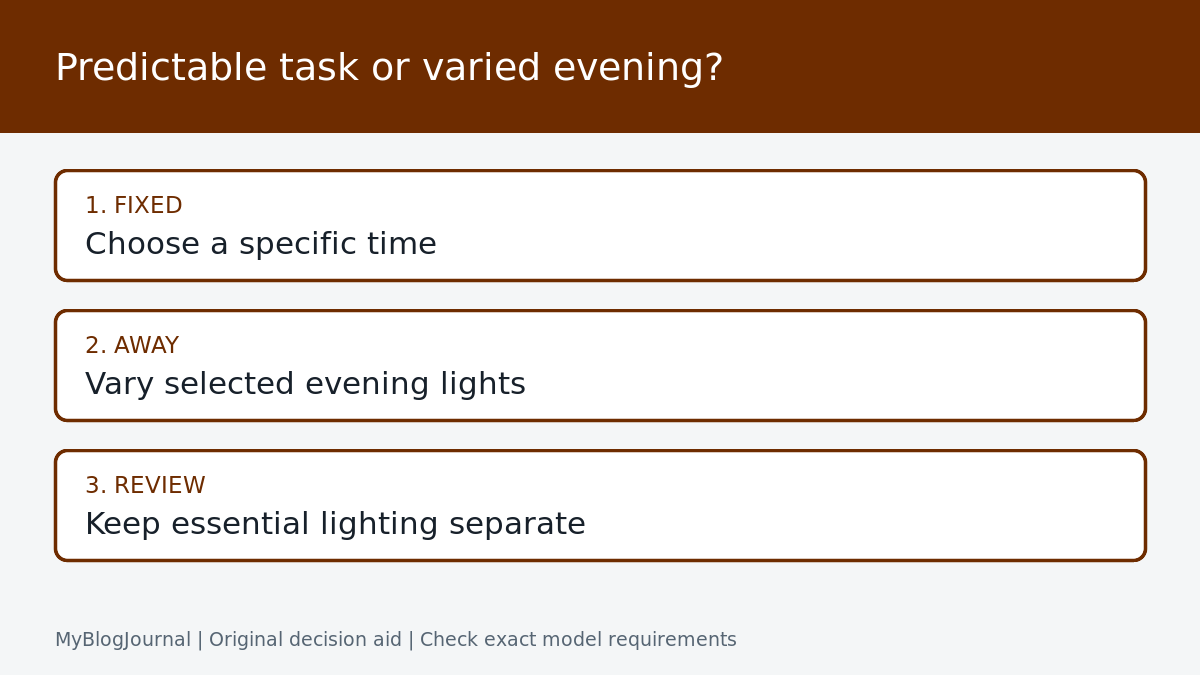
A lamp you want on at a particular time and a lamp you want to vary while away are different automation jobs. With Caséta, decide which behaviour matters before buying another switch or hub. Otherwise, normal randomized lighting can look like a fault, or a fixed timetable can disappoint someone expecting variation.
Choose the behaviour, then check the equipment
Lutron’s Smart Hub page distinguishes schedules at specified times, a seasonally adjusting Sunset Tracker, and Smart Away, which randomly turns selected lights on and off during the evening. It presents Smart Away as an app feature of the hub-connected system. A standalone local remote arrangement should not be assumed to provide the same app functions.
Random lighting is a convenience feature, not proof of home security or a guarantee against burglary. Keep any lighting needed for safe movement under a dependable control arrangement rather than relying on a randomized pattern.
Sort each room by purpose
Make three columns on paper: light, reason for using it, and required behaviour. ‘Porch light at the same time each night’ belongs in a predictable schedule discussion. ‘Vary the appearance of selected living-room lamps while I travel’ belongs in the Smart Away discussion. ‘Reading lamp when I press a button’ may need neither.
Do not add every light to an away pattern just because it is available. Exclude a bedroom where someone will sleep, a shared workspace still in use and any lamp whose switching would be disruptive. Ask other household members which rooms remain occupied before choosing the list.
Test one arrangement while you are home
First confirm manual and ordinary app control of the chosen compatible light. Save a note or screenshot of existing schedules so you can restore them. When testing Smart Away, keep the selected set small and observe the behaviour during its intended evening period. Do not judge random timing against an exact-minute expectation.
When testing a fixed schedule, use a clear on event and off event and record whether both occur as intended. Keep that test separate from the away trial; overlapping automations can make the same light look unpredictable. If something changes unexpectedly, inspect active schedules and integrations before replacing the switch.
Use a simple acceptance rule
An away test passes when only the intended lights participate and the household can readily stop the pattern. A fixed-time test passes when the correct light follows the specified events. Those are different success criteria. Neither test establishes that the system will prevent an incident or work under every outage condition.
Before buying missing equipment, price the compatible hub and controlled devices as a complete system and compare it with what you already own. If you only want another physical control point, check the local-remote option first. If you want app-based evening variation, verify the current hub and app requirements for that specific setup.
Leave a brief handover note naming the selected lights, how to disable the away feature and which schedules should remain active. After travel, review the state rather than assuming everything returned to the household’s normal routine. No additional subscription, security service or energy saving is promised by this decision aid.
Manufacturer documentation checked November 18, 2026: official requirements and instructions. This article is based on documentation, not firsthand testing. Features, availability and requirements can change; verify the exact regional model before purchasing.
Related: separate local Pico control from app and hub needs. These links are informational; no affiliate earning arrangement is claimed.