Eve Energy may switch a lamp in your preferred smart-home app without giving that app every advanced Eve feature. Before buying it specifically for autonomous schedules, check the exact plug, phone platform and connected ecosystem. ‘Matter compatible’ answers a different question from ‘can I create the schedule I want in this app?’
Separate two ways of scheduling
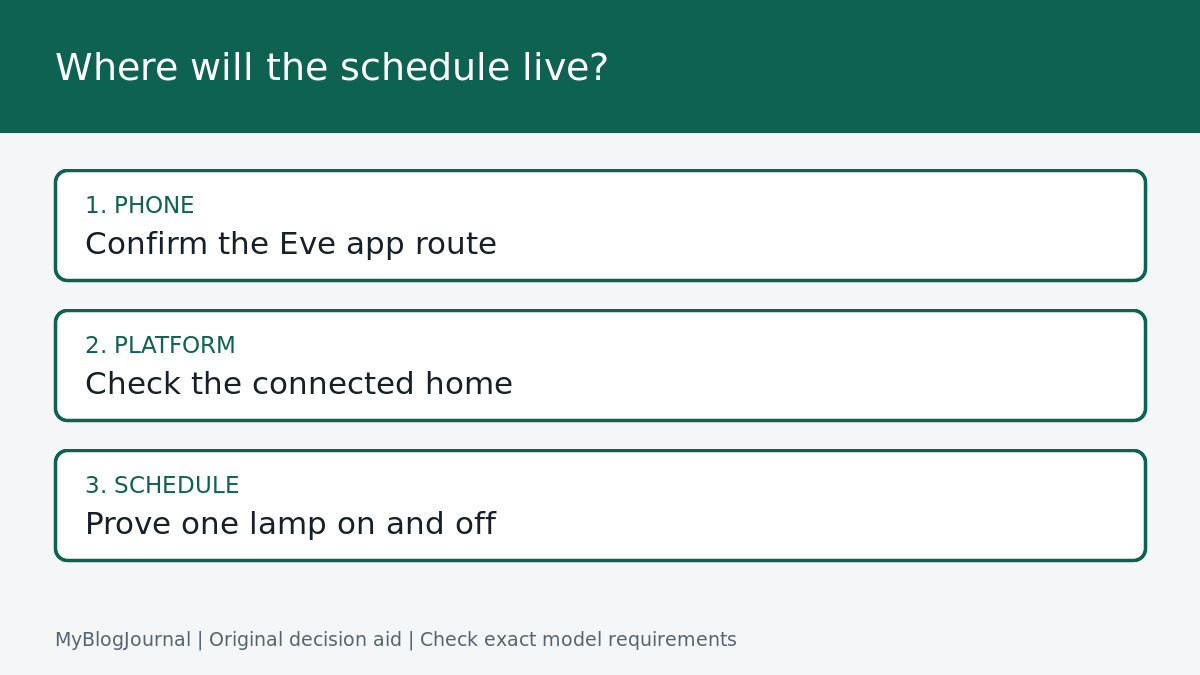
Eve’s current US product page says its schedules run independently of the smartphone or internet connection. Creating those schedules requires the Eve app: on iPhone or iPad for devices connected through Apple Home, or on Android for devices connected through Google Home. The product also needs a matching hub for the chosen platform. Platform-created automations are a separate route; do not assume they have identical dependencies.
The page describes energy information and other advanced settings separately from ordinary app and voice control. Check those feature requirements independently if they are the reason for choosing this plug. Also confirm the regional electrical version and the exact generation, especially for used listings.
Use a household decision card
Write down who will manage the plug, which phone they use, which home platform contains it, and whether they need an on-device schedule or merely a timed platform action. Add the actual hub model. Do not count a hub twice if existing hardware already satisfies the requirement, and do not assume a Wi-Fi router alone supplies the necessary smart-home roles.
If the intended manager uses Android with Google Home, verify that the current Eve app supports the exact accessory and desired schedule. If the household uses another primary platform, confirm the available scheduling route before paying. A workaround that depends on somebody else’s phone is not the same as a setup everyone can maintain.
Prove a harmless schedule before expanding
Use one compatible indoor lamp within the plug’s ratings, with a switch that can remain on. Create an on event and an off event a short interval apart, following the current app instructions. Record which app created them and observe both transitions. Do not use a heater, medical equipment or another load that must not unexpectedly lose power.
Then remove or disable the temporary schedule in the same app and verify that it no longer runs. This deletion check matters: otherwise a test can become a mysterious nightly switch-off. Keep only one automation path active during the comparison so a second platform does not mask a failed schedule.
Price ownership, not only the plug
A complete basket includes any missing compatible hub, the correct regional plug and applicable delivery costs. If the household already owns the necessary hardware, that extra hub cost may be zero. If not, compare the total with a simpler product that meets the actual task. No fixed under-$50 claim is made here.
Keep a short record naming the plug, controlling app, schedule owner and normal manual-control method. A documented working route is more useful than a compatibility logo when somebody else has to change the timing. This is a specification-based buying and setup check, not evidence of measured energy savings or a hands-on reliability test.
Manufacturer documentation checked November 18, 2026: official requirements and instructions. This article is based on documentation, not firsthand testing. Features, availability and requirements can change; verify the exact regional model before purchasing.
Related: check the controller and Thread-border-router roles. These links are informational; no affiliate earning arrangement is claimed.