The Leviton DAWSC Anywhere Switch Companion can add an on/off control point without running a traveler wire. It is not a standalone replacement for the device that switches the electrical load. Before buying, identify the primary device it will command and check that exact pairing.
Know which part does the work
Leviton’s current DAWSC-1BW page says the companion pairs wirelessly with specified Decora Smart Wi-Fi devices and can be surface mounted without wiring. It does not directly control a load. The page lists supported primary models, including plug-in devices, and identifies DN6HD/DN15S compatibility through an MLWSB bridge. It also states that the companion itself needs no Wi-Fi or app for setup or operation.
That last statement is not permission to ignore requirements of the primary device or other desired app features. ‘No wiring’ describes the extra companion position, not every possible installation in the system. A primary in-wall replacement may still need professional electrical work.
Build the two-part shopping list
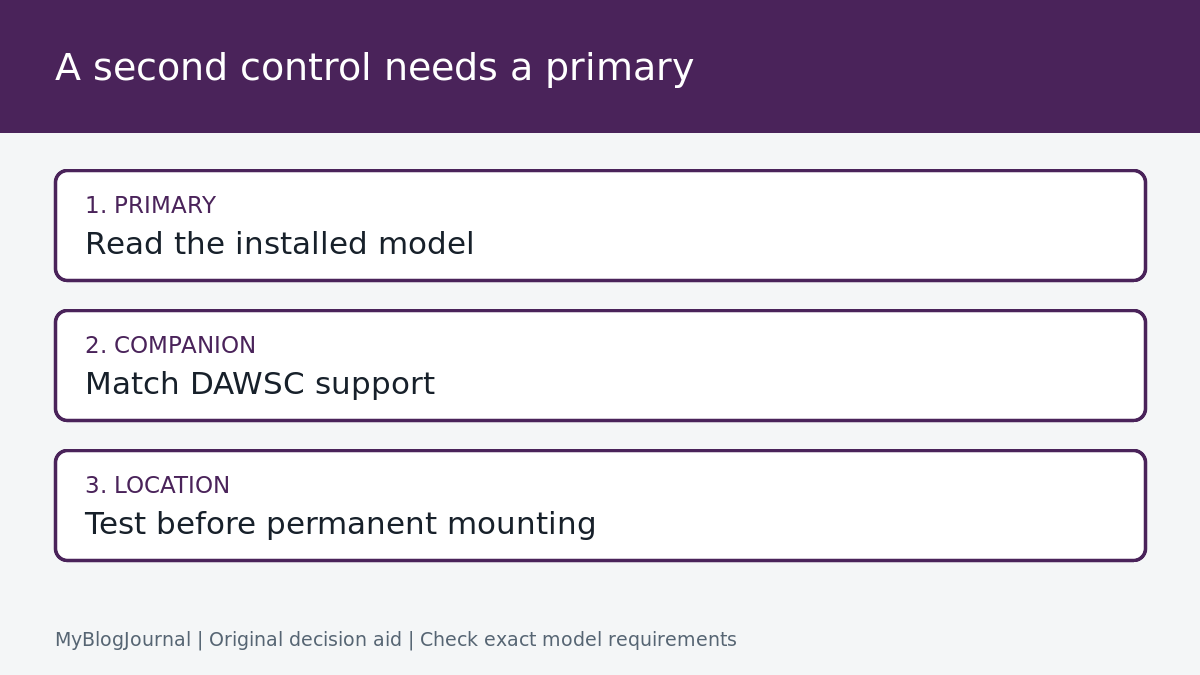
First write the installed primary model from its documentation or safely accessible identification. Do not remove electrical covers just to investigate if you are not qualified. Then match that model against the current companion page. If the installed product is not listed, get confirmation rather than assuming that the Decora faceplate proves compatibility.
Next record the companion model and desired function. DAWSC is an on/off control; do not buy it expecting a dimming interface simply because the primary can dim. If you need dimming, check the exact supported dimmer-companion option and pairing instructions separately.
Decide whether an extra control is the cheapest solution
For a compatible plug-in lamp controller already owned, the basket may need only the companion, suitable mounting and a wallplate. For a missing primary device, include that device and its installation. For a supported no-neutral setup, verify whether the required bridge already exists. Compare complete baskets instead of the price of the companion alone.
Example: you want an on/off button beside a sofa for a lamp already connected to a supported plug-in device. That is an extra control-point task. By contrast, a normal mechanical wall switch and an unconnected lamp do not become a compatible system merely by adding DAWSC.
Test the intended wall location first
Pair using Leviton’s current instructions, then test the actual location before permanent mounting. Check both on and off actions repeatedly with doors in their ordinary positions and the room arranged normally. A successful test beside the primary is not evidence that the far end of a hallway will work equally well.
Label which light the companion controls and verify the original control still behaves as expected. If response is unreliable, record the distance and arrangement and consult the supported range and installation guidance. Do not purchase several more companions to compensate for an unverified primary pairing.
Keep replaceable button batteries away from children and follow the product’s handling instructions. Any changes to mains wiring belong under the primary device’s safety instructions and appropriate qualified installation. This guide covers purchasing and control-path verification, not electrical wiring or a guarantee of wireless range.
Manufacturer documentation checked November 18, 2026: official requirements and instructions. This article is based on documentation, not firsthand testing. Features, availability and requirements can change; verify the exact regional model before purchasing.
Related: check the separate no-neutral bridge requirement. These links are informational; no affiliate earning arrangement is claimed.