The Aqara Door and Window Sensor P2 can be an inexpensive addition to a compatible home, but the sensor price alone is not the cost of a working system. Before ordering, identify the app you want to use and the hardware that will connect this particular sensor to it. An older Aqara hub or a generic Wi-Fi router is not enough evidence of compatibility.
Check two roles, not just a hub-shaped box
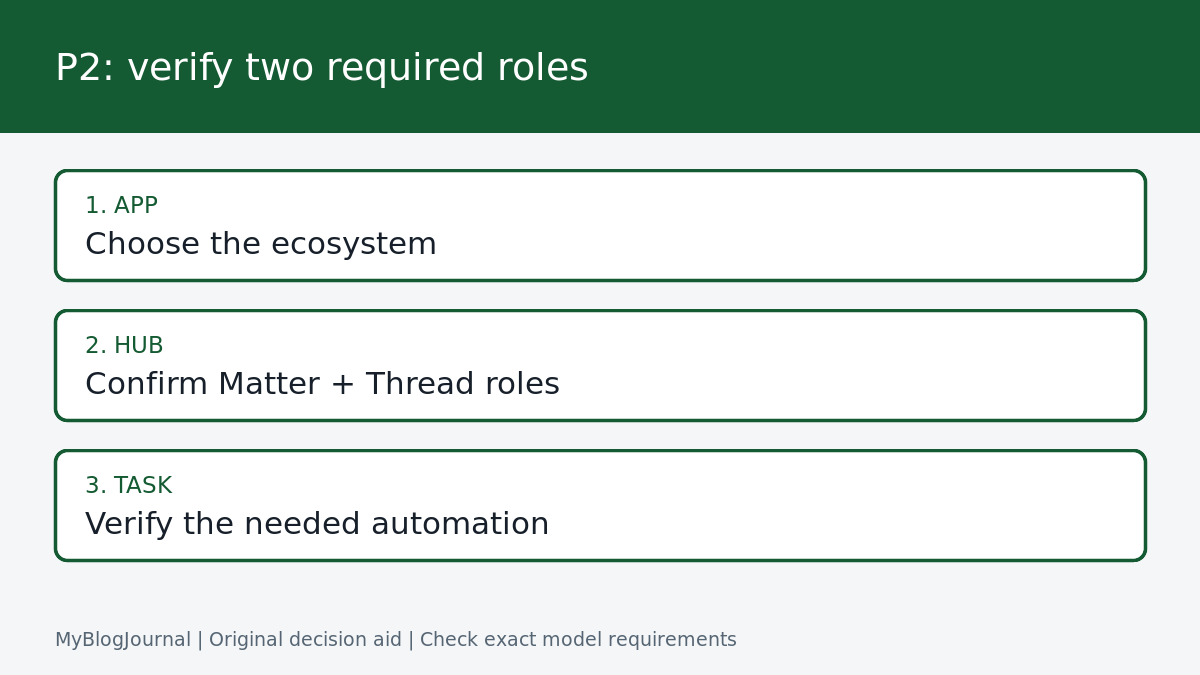
Aqara documents the P2 as a Matter-over-Thread sensor. The chosen ecosystem needs Matter-controller and Thread-border-router functionality. One supported device can provide both roles, or a supported combination can provide them separately. Aqara’s current support page includes model-specific examples such as HomePod mini and the 128 GB third-generation Apple TV 4K; do not extend that example to every Apple TV.
For Aqara Home specifically, the page identifies a suitable Aqara border router such as Hub M3. It also warns that automation conditions and functions can differ across ecosystems. Basic open/closed status in one app is not proof that a specialized feature will appear in another.
Fill in a pre-purchase evidence card
Record five fields: sensor model P2; chosen app; current controller model and generation; current Thread border router model; and the exact desired action. Copy model information from the device or its settings, not a remembered product family. Beside each required role, record the manufacturer’s compatibility page and the date checked.
A useful action statement is ‘when this window opens, show its state in the app I already use.’ ‘Works with my smart home’ is too vague. If you need a notification or an automation involving another device, check that specific function in the target platform before pricing the sensor.
Compare complete baskets
Basket A is the sensor plus any needed mounting materials when both network roles already exist. Basket B adds the missing compatible hub hardware. Basket C is a different sensor that fits an established system. Compare all three at current checkout totals, including tax and shipping. Do not assume a sale-priced P2 is the cheapest solution when you must add infrastructure.
For example, someone who already owns a confirmed compatible combined controller and border router has a different decision from someone with only a phone and ordinary router. The second household should price the complete system before ordering several sensors. Owning an unrelated Zigbee device does not resolve the P2’s Thread requirement.
Prove one sensor before expanding
Once purchased, first add one P2 using the manufacturer’s instructions and verify open and closed changes in the chosen app before permanent mounting. Then test the actual notification or automation separately. A changing status tile verifies only that stage, not the entire end-to-end task.
Keep the setup code privately with your device records. If a function is absent, compare the platform’s current support before resetting anything or buying another hub. Contact monitoring is a convenience feature, not a substitute for a certified alarm system or physical security. This is a specification-based compatibility check, not a hands-on reliability claim.
Manufacturer documentation checked November 18, 2026: official requirements and instructions. This article is based on documentation, not firsthand testing. Features, availability and requirements can change; verify the exact regional model before purchasing.
Related: separate a Matter controller from a Thread border router. These links are informational; no affiliate earning arrangement is claimed.