A robot that cleans normally but circles near its charger does not automatically need a new dock. First establish whether it has a usable route home. A controlled return test can separate an unsuitable location from a repeatable docking fault, without deleting maps or buying replacement hardware.
Confirm which dock you actually own
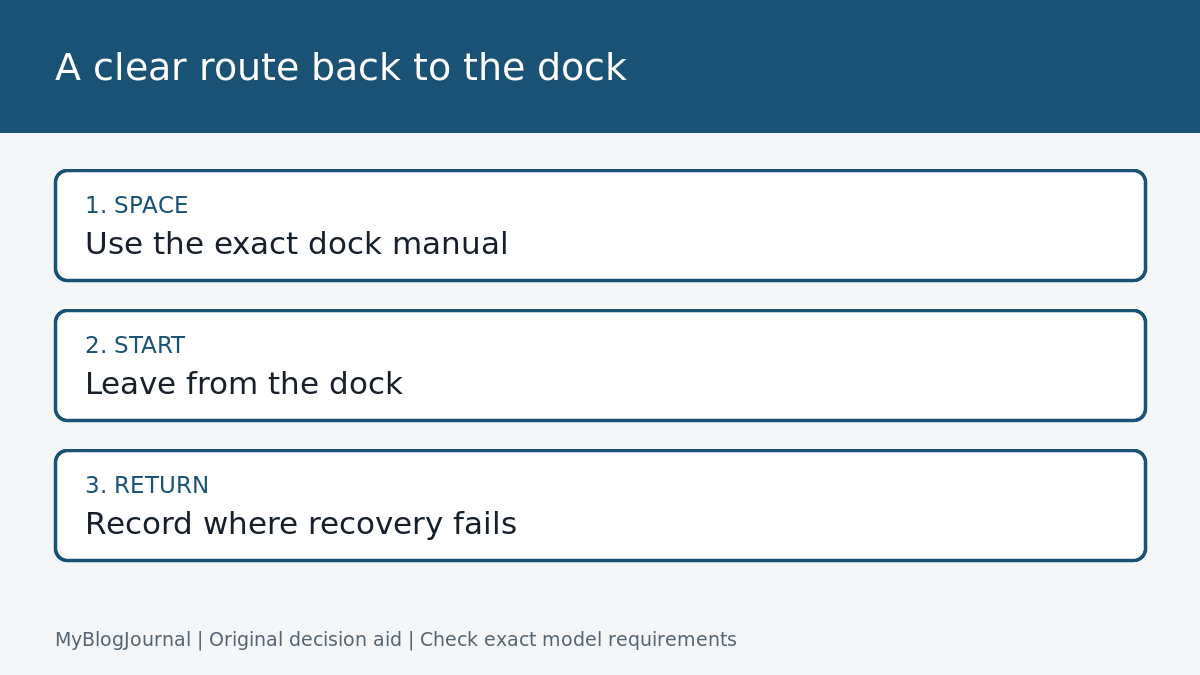
Write down the robot model and dock model separately. A basic charging base and a wash-and-fill station are different installations. Check the manual for that exact combination, including clearance above any lids and access needed to remove tanks. Do not use the dock’s physical footprint as its operating-space requirement.
Roborock’s general return-to-dock troubleshooting specifies a wall-backed position with at least 0.5 metres free on each side and 1.5 metres in front. It also identifies an unfamiliar start location, obstacles and manually moving the robot as possible causes, and advises cleaning the dock’s front signal area and the robot’s front sensor. Model-specific installation instructions take priority over this general baseline.
Make one useful baseline, not five simultaneous changes
Photograph the current layout and note where the robot stops: far from the dock, approaching it, or during final contact. Clear loose cords and movable obstacles from the approach without making an unsafe walking route. Clean the identified signal areas using the care method in the manual; do not spray liquid into the dock.
Then start a short normal cleaning run from the dock, leaving the robot to travel under its own power. Request a return using the supported control. Observe rather than carrying it into position. Record whether it reaches the correct room, aligns with the base and reports charging. Reaching the plastic base is not the same as a confirmed charge.
Use the failure point to choose the next action
If the robot gets lost before reaching the room, first check its map and starting position. If it reaches the room but repeatedly searches around furniture, investigate the approach and signal-area visibility. If it aligns but does not charge, record that separately for model-specific charging support. Those observations are more actionable than simply reporting that docking is broken.
For example, compare an open wall location with a proposed position under a console. Keep the map, robot and test task constant. If the open location succeeds but the console position fails, the console has not passed the installation test. A decorative cabinet is not a bargain if the robot cannot enter or you cannot service the dock.
Decide whether any purchase is justified
Repeat the successful arrangement on another ordinary run before buying storage furniture or a replacement station. If both suitable locations fail at the same stage, save the robot/dock model numbers, photographs, error message and observations for Roborock support. Do not buy a physically similar dock without an explicit model match.
Your cost comparison should include the proposed dock, any required consumables and the space it consumes. A zero-cost move that solves a documented access problem is preferable to an unverified hardware substitution. This test diagnoses the return route; it does not prove battery health or guarantee unattended operation.
Manufacturer documentation checked November 18, 2026: official requirements and instructions. This article is based on documentation, not firsthand testing. Features, availability and requirements can change; verify the exact regional model before purchasing.
Related: verify the correct floor map. These links are informational; no affiliate earning arrangement is claimed.