A scheduled temperature is not always an equipment start time
If you schedule 68°F for 7 a.m. and the heating starts at 6:25, the schedule may be working. Google documents that Early-On can start heating or cooling in advance to reach the scheduled temperature on time. Availability, controls, and away behavior vary by model. Look up the thermostat model and check its feature setting before moving the schedule.
Log the difference for one normal transition
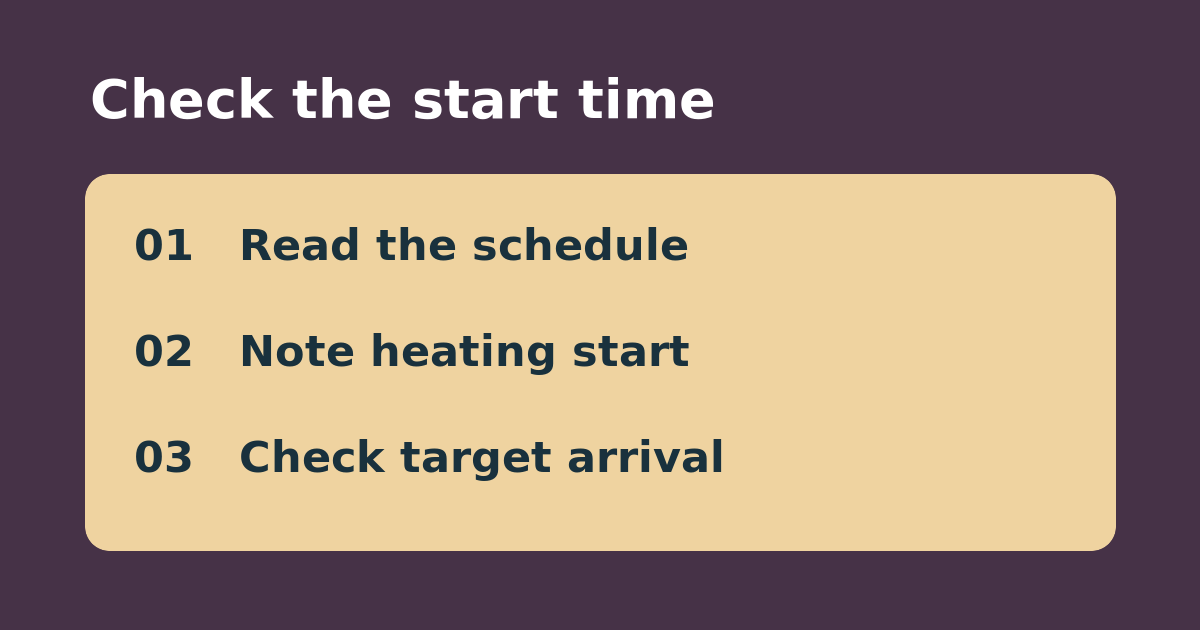
Record the previous target, upcoming target and scheduled time, displayed room temperature, and observed time heating starts. At the scheduled time, note the room reading again. Repeat under comparable conditions without changing the schedule. For example, a 6:25 start followed by a temperature near the 7 a.m. target points to preparation rather than a schedule firing at the wrong time. Different weather can change how long the house needs.
Choose arrival temperature or start time
If your goal is a comfortable room at 7, leave the target at 7 and judge the room then. If your priority is avoiding an early start, look for the supported Early-On or schedule pre-heating controls for your model and test a normal transition with that setting changed, not both the feature and schedule at once. If it still starts early, check for another active target, such as a hold. Do not change wiring or use this comparison to diagnose equipment faults.
See the manufacturer’s instructions. Related: check a Nest hold against the normal schedule.