The same person occupies less of the image farther away
On Reolink models with object-size settings, a size filter can reduce unwanted detections, but it can also remove events you meant to keep. Do not judge the filter only with a close walk. Choose two spots on your property where you genuinely expect a person event, such as the near walkway and the far end of the path. Confirm your model and app expose object size for the person category.
Measure the baseline before touching the filter
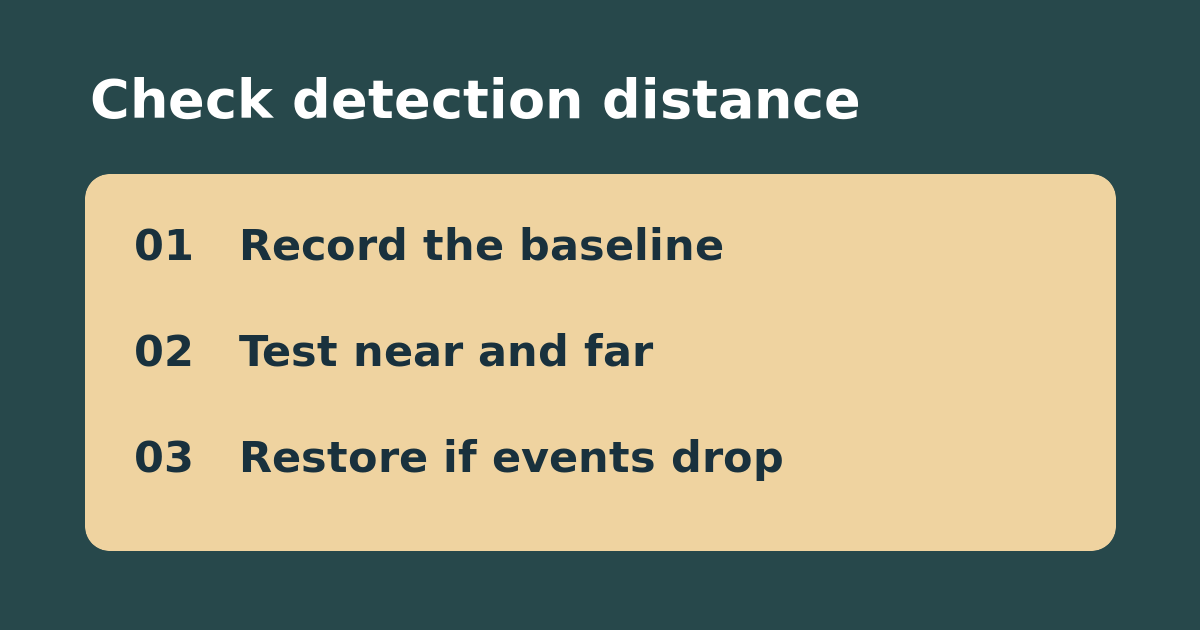
Write down the existing settings. Have a consenting person walk the near route and far route separately, with enough time for one event to finish before the next. Record the route, time, and whether playback or the event list shows the expected person event. If either route already fails, do not increase the minimum size: confirm that the camera actually sees the route and check existing detection rules first.
Change one limit and keep the farther route in the test
If both routes work and you have repeated unwanted events from small shapes, test a small change to minimum size only. Keep zones, sensitivity, and schedules unchanged. Repeat both routes and recheck over a comparable period. If near events survive but far events disappear, restore the original limit and review camera placement or the detection zone instead. If both routes survive, check representative lighting conditions before keeping the setting. This is a detection test, not a guarantee that every person will be recorded.
See the manufacturer’s instructions. Related: distinguish a recording mask from a motion zone.