Decide whether you want a minute mark or an interval
In a Home Assistant Time Pattern trigger, entering 5 in the Minutes field matches minute 05 on the clock. Entering /5 matches minute values divisible by five. With no hour restriction, the first setting is suited to one check per hour; the second can run at :00, :05, :10, and so on. A five-minute clock pattern does not start a countdown when you save the automation.
Use a log-only copy to verify it
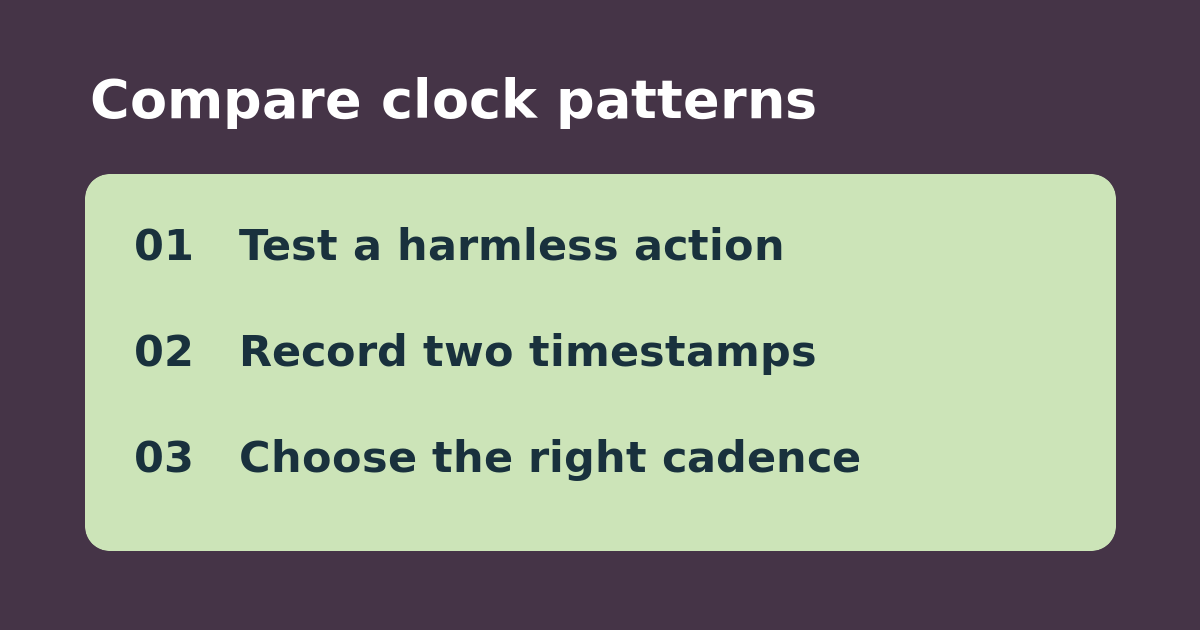
Make a separate test automation with a log entry instead of the action used in your real routine. For example, if you enable the /5 trial at 7:12, the next matching minute is 7:15, then 7:20, assuming the hour and seconds fields do not impose other restrictions. Wait through two eligible times and check the trace history. For the hourly variant, compare against the next :05 mark. Do not press Run actions and count that as a trigger test.
Choose a cadence and guard the real action
Use 5 if you want one hourly snapshot, or /5 if a changing sensor genuinely needs frequent review. A log every five minutes is different from a phone notification every five minutes: use a condition or separate logic to prevent repeat alerts. If neither test runs, inspect hours, seconds, enabled state, and traces before changing the sensor. Remove the test automation afterward.
See the official instructions. Related: check a Home Assistant trace separately from manual actions.