
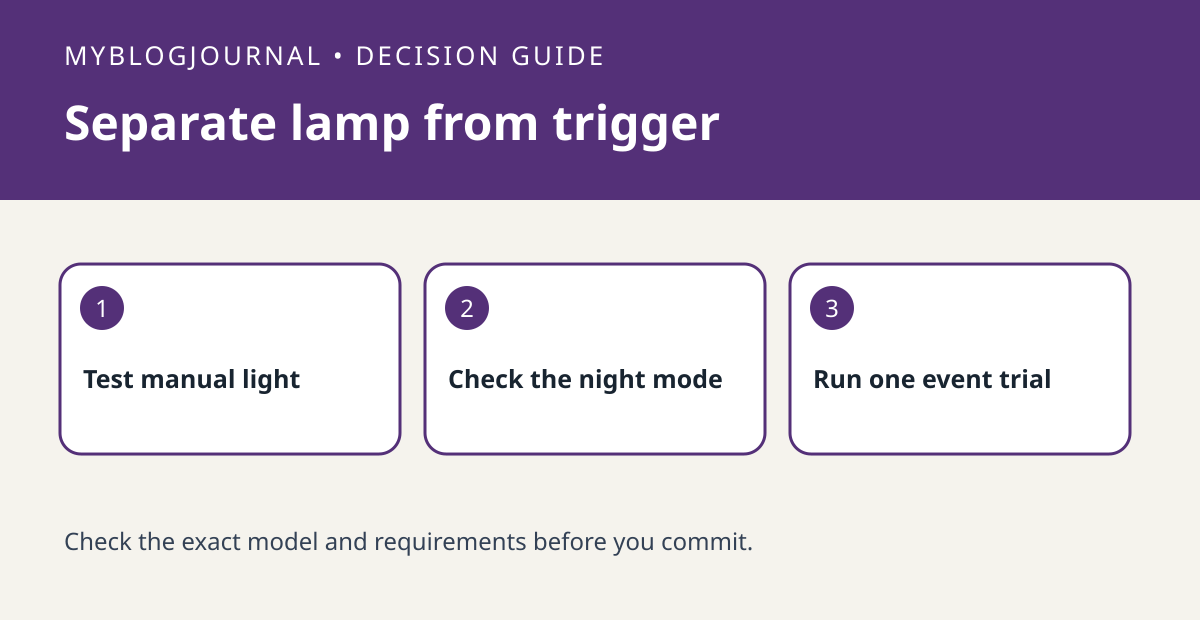
If a Reolink spotlight turns on manually but not during an event, test the configured spotlight mode before buying another light.
Set up the test
Identify the camera and available spotlight modes in Reolink’s documentation. Run a short manual test where the light won’t disturb anyone. Note the normal nighttime settings before changing anything. If the light fails manually, automatic triggers are not the first thing to troubleshoot.
Interpret the result
Create a deliberate event during the expected conditions, using a nonprivate scene. Check whether an event appears and whether the light turned on. An event without light points toward a spotlight mode, schedule or event setting; no event calls for checking detection first.
Worked example
A light that responds to manual control but stays off outside a configured time window is not necessarily broken. Compare the time and mode before changing mounting or buying a separate light.
Documentation and next step
See the manufacturer’s instructions for supported settings. For a related decision, see reolink privacy mask vs motion zone recorded view check.


