
If you need readings in a spreadsheet, test a small SwitchBot Meter export before buying equipment for a longer logging project.
Set up the test
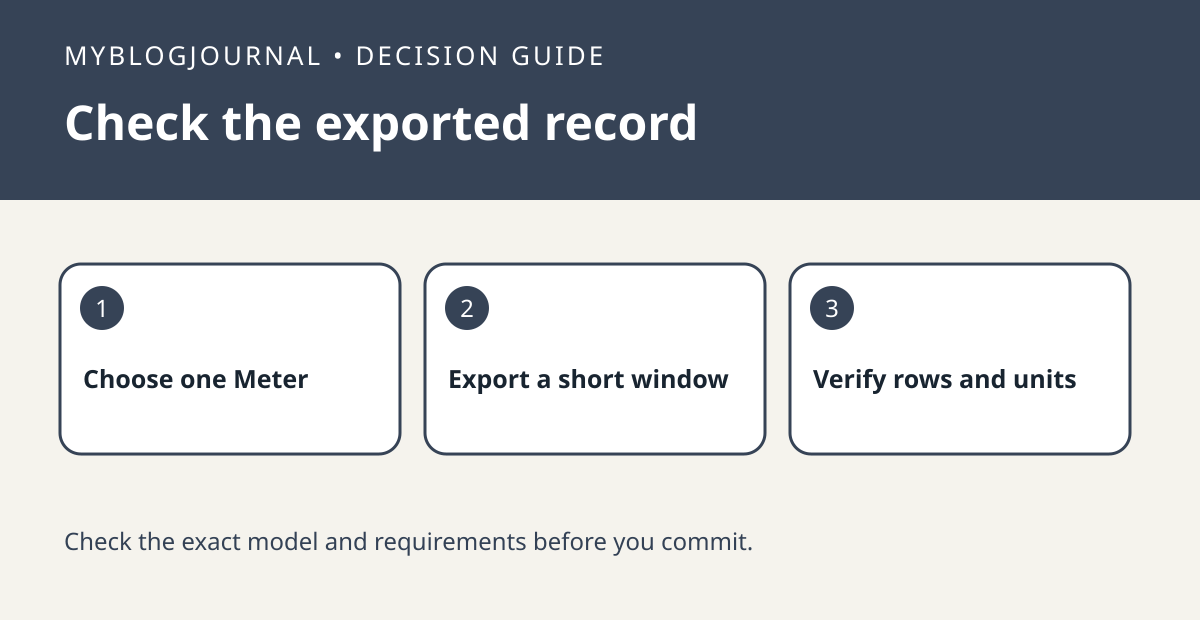
Choose one named Meter and a time window where you know readings should exist. Use the export workflow documented by SwitchBot for your device and app. Keep the original file and open a copy rather than editing the only export.
Interpret the result
Check the earliest and latest timestamps, units, and whether expected rows are missing. A chart that looks continuous is not enough for a spreadsheet workflow. If rows are missing, verify data availability and synchronization before deciding you need a hub.
Worked example
If your experiment needs overnight data, export a single overnight period and confirm it covers both the evening and morning. That is stronger evidence than checking whether the app has an Export button.
Documentation and next step
See the manufacturer’s instructions for supported settings. For a related decision, see switchbot meter reading difference before calibrating.


