
If you cannot see a Google speaker’s lights from where you stand, check whether its accessibility sounds can signal the beginning or end of a request.
Set up the test
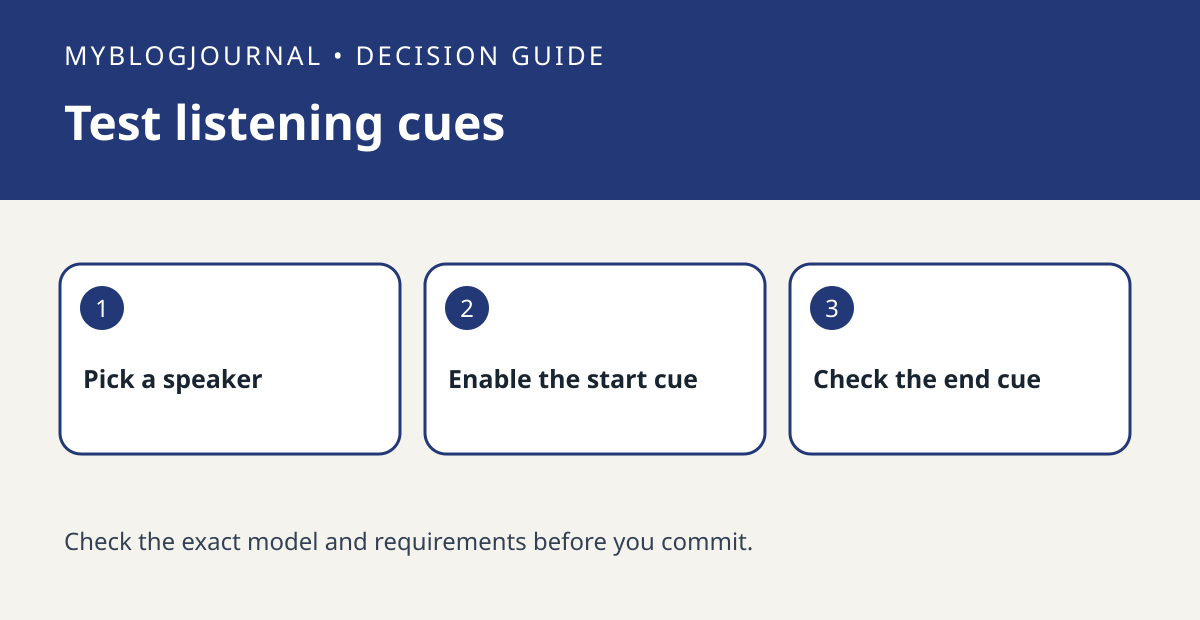
In the Google Home app, identify the specific speaker and review the accessibility settings documented for it. Turn on one cue and test with a harmless request. Listen for the cue separately from the spoken answer or any media that starts afterward.
Interpret the result
Repeat from the spot where the device usually hears you. Then test the other cue if available. A sound can help you tell when the device starts or stops listening; it does not establish what the device understood. Keep the cue that solves the problem and restore settings you do not need.
Worked example
If the start cue is audible from the kitchen but the reply is wrong, you have a recognition problem to investigate, not evidence that you need a display to see the listening light.
Documentation and next step
See the manufacturer’s instructions for supported settings. For a related decision, see google nest timer volume vs media slider check.


