
If Siri sounds too loud on HomePod but music sounds fine, test the spoken reply separately before changing your playback level.
Set up the test
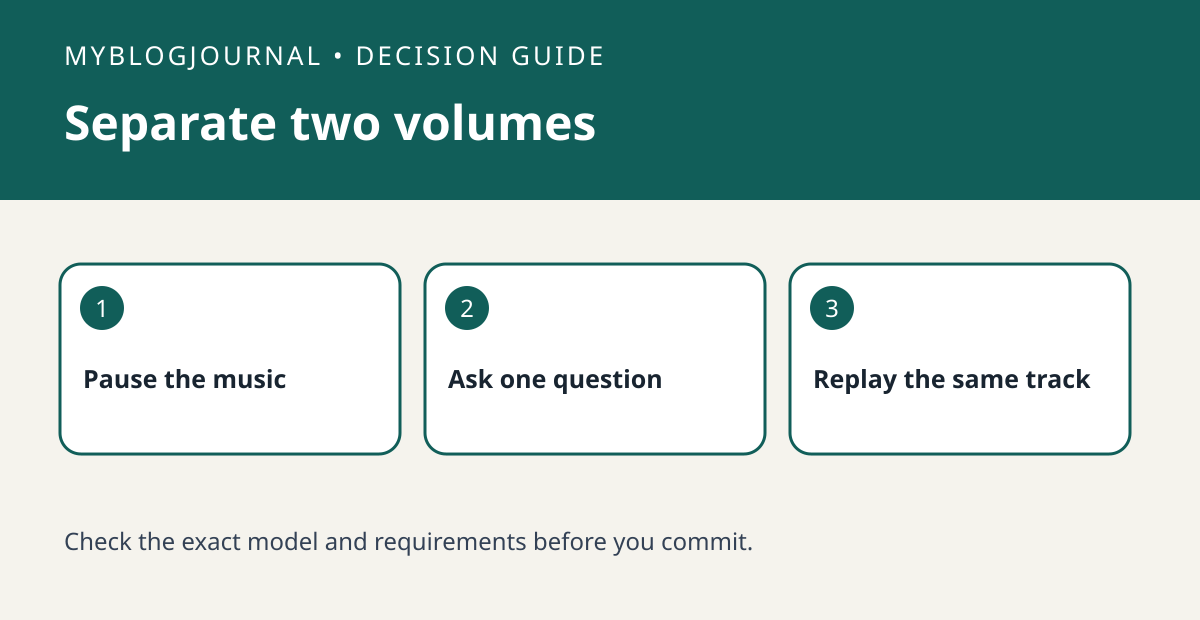
Pause music and ask a short question such as the time. Note the reply level from your usual spot. Use Apple’s documented command to change Siri’s speaking volume, then repeat the same question from the same distance. Avoid using a different room or speaker for the second trial.
Interpret the result
Replay the same music sample at its original setting. If only Siri needed adjustment, leave the music setting where it was. If spoken replies differ substantially with room noise, compare a quiet trial and a normal-use trial before assuming the speaker is faulty.
Worked example
For instance, a spoken reply that feels too loud late at night does not mean the speaker’s music playback is too loud. Record which of the two you changed so it is easy to restore.
Documentation and next step
See the manufacturer’s instructions for supported settings. For a related decision, see homepod voice recognition one member test.


