
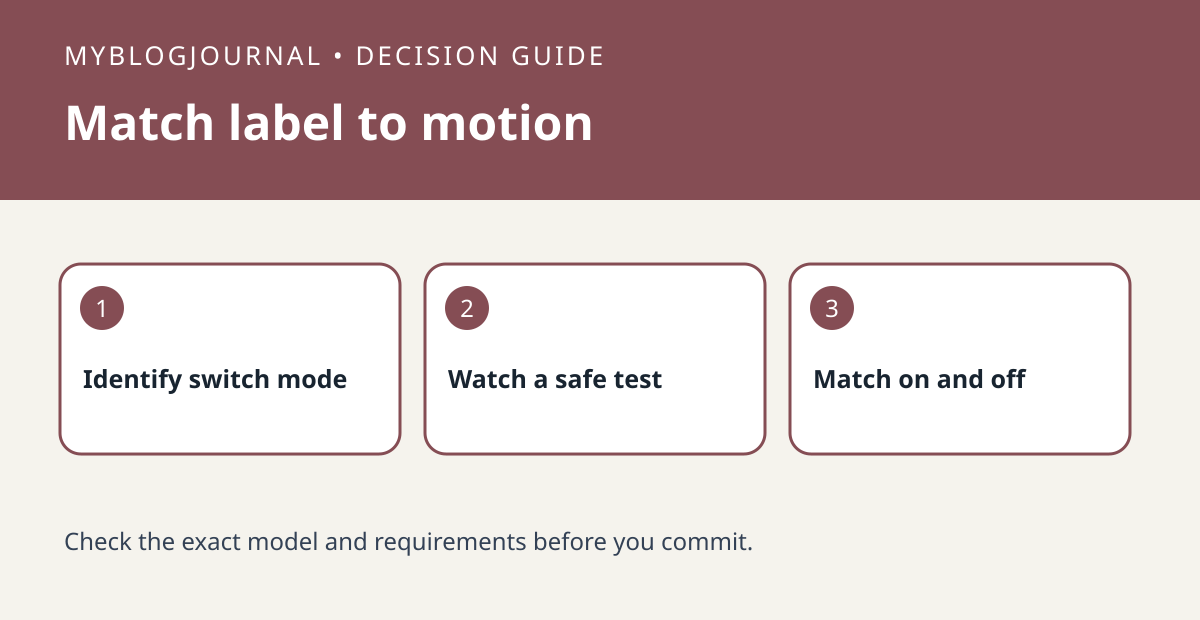
If a SwitchBot Bot moves reliably but its app labels are reversed, check the direction setting before peeling it off or buying another mount.
Set up a controlled test
Use a harmless light switch for the test, not a heater or safety-critical device. Note which physical switch position turns the light on. Confirm the Bot is in the mode covered by SwitchBot’s reverse-direction instructions and record the current direction setting.
Read the result
With someone present, try one app command and watch the actual switch and light. If motion is reliable but the label is backward, compare the supported reverse-direction option. Check both on and off afterward. If the actuator cannot complete the movement at all, changing labels will not fix its reach.
Worked example
Keep a two-row note: app command and observed light state. Test routines that rely on the labels after the change so an old automation does not continue assuming the former mapping.
Documentation and next step
See the manufacturer’s instructions for supported settings. For a related decision, see switchbot curtain 3 u rail endpoint calibration check.


