
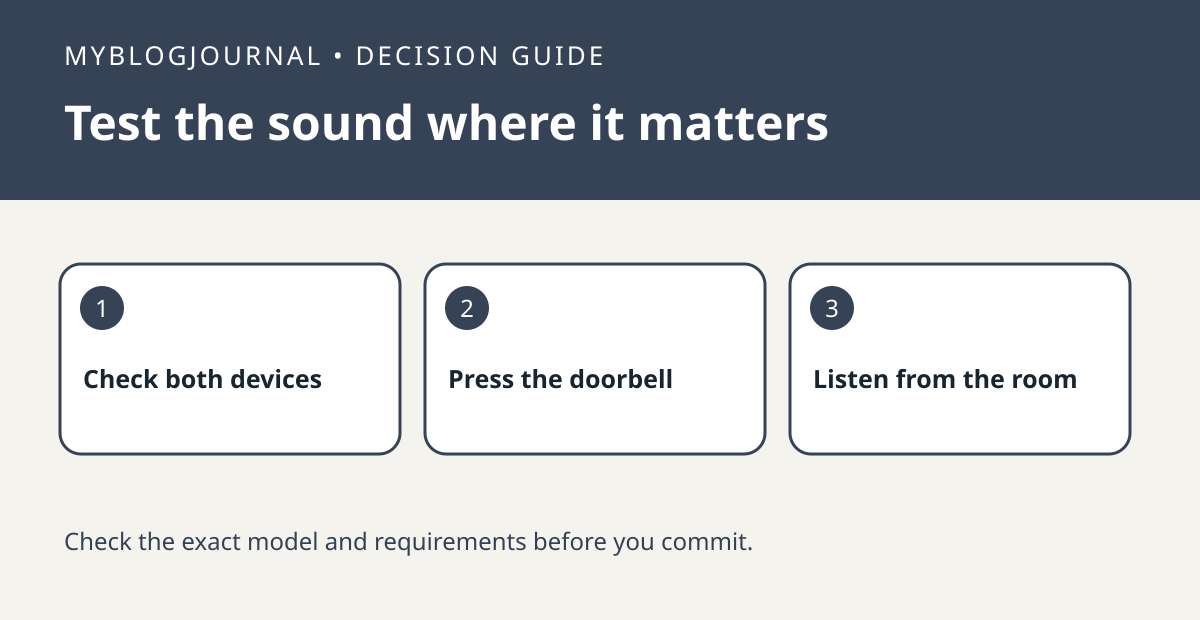
If you already own a compatible Blink Mini, test it as an indoor chime before paying for another accessory. Phone notifications alone don’t tell you whether the room will hear it.
Set up a comparison
Check Blink’s directions for your exact Mini and Video Doorbell. Confirm the devices are on the same Blink system as required, select the eligible Mini from the doorbell settings, and leave its camera placement alone for the first test. Ask someone to press the physical doorbell while you listen.
Interpret what happened
Repeat the press from the rooms where the chime matters, with doors in their usual position. Record which rooms hear it and whether your phone received an alert separately. If no sound plays even beside the Mini, confirm the pairing and sound settings before moving it.
Worked example
If it works in the kitchen but not upstairs, decide whether moving the Mini would spoil its camera view. The real choice is between keeping camera coverage and adding audible coverage, not between two devices that have never been tested in the room.
Documentation and next step
See the manufacturer’s instructions for supported settings and model requirements. For a related setup decision, see blink early notification vs ready clip test.


