
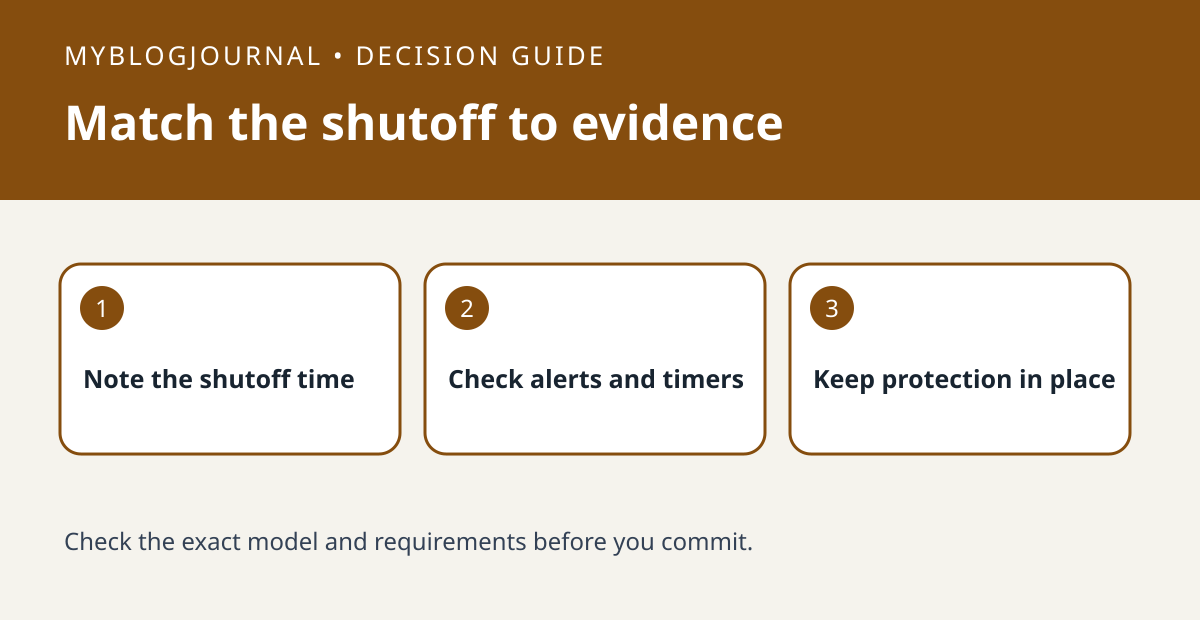
If a Tapo plug turns off unexpectedly, check the alert history and the timing of any timer or automation before assuming the plug has failed.
Set up a comparison
Start with the exact plug model and installed firmware. TP-Link documents Power Protection for supported energy-monitoring plugs; it can switch the outlet off when its configured threshold is exceeded. Check whether the app shows that option and whether a protection alert arrived at the same time. A scheduled shutoff is a different mechanism.
Interpret what happened
If there is no corresponding protection alert, check active timers, schedules and automations. Note whether the outlet shut off at a fixed clock time or after a repeatable period of use. Do not raise or disable protection to keep an unknown load running; verify the device’s electrical requirements and the plug’s ratings.
Worked example
For example, a shutoff at 10 p.m. on several nights with a matching schedule is a reason to review that rule. A protection alert during operation is a reason to stop and verify the load, not to reset the plug repeatedly.
Documentation and next step
See the manufacturer’s instructions for supported settings and model requirements. For a related setup decision, see smart plug power cut default state check.


