
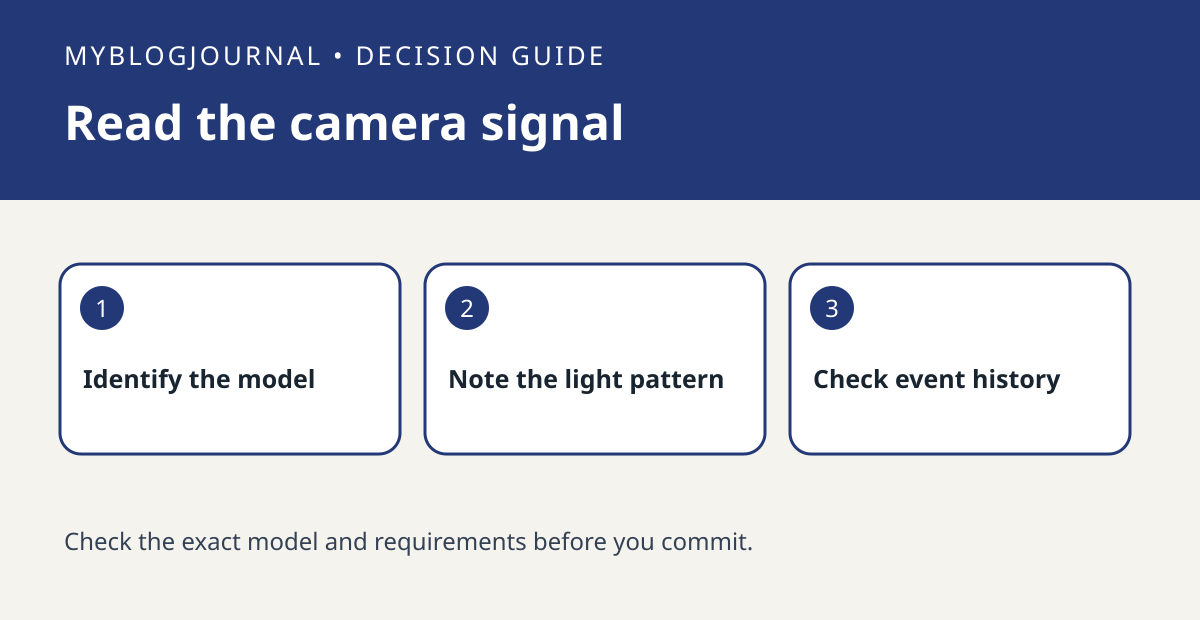
A Nest camera’s status light is not a receipt for a saved clip. Identify what the light means on your exact model, then verify event history separately.
Identify the model
Start with the model name and note whether the light is steady or pulsing. Compare it with Google’s model-specific table. For example, the signal while you view a live stream answers a different question from whether an earlier motion event is available. Do not infer recording coverage or who viewed the camera from a light alone.
Check event history
With a consenting person, record the time of a short walk through the camera view. Check the live feed, then close it and look for that timestamp in event history. If live video works but no clip appears, check the camera’s event and history configuration before paying for a different camera. If both checks fail, troubleshoot camera availability first.
See the manufacturer’s instructions. Related: nest camera home away state vs alerts check.


