
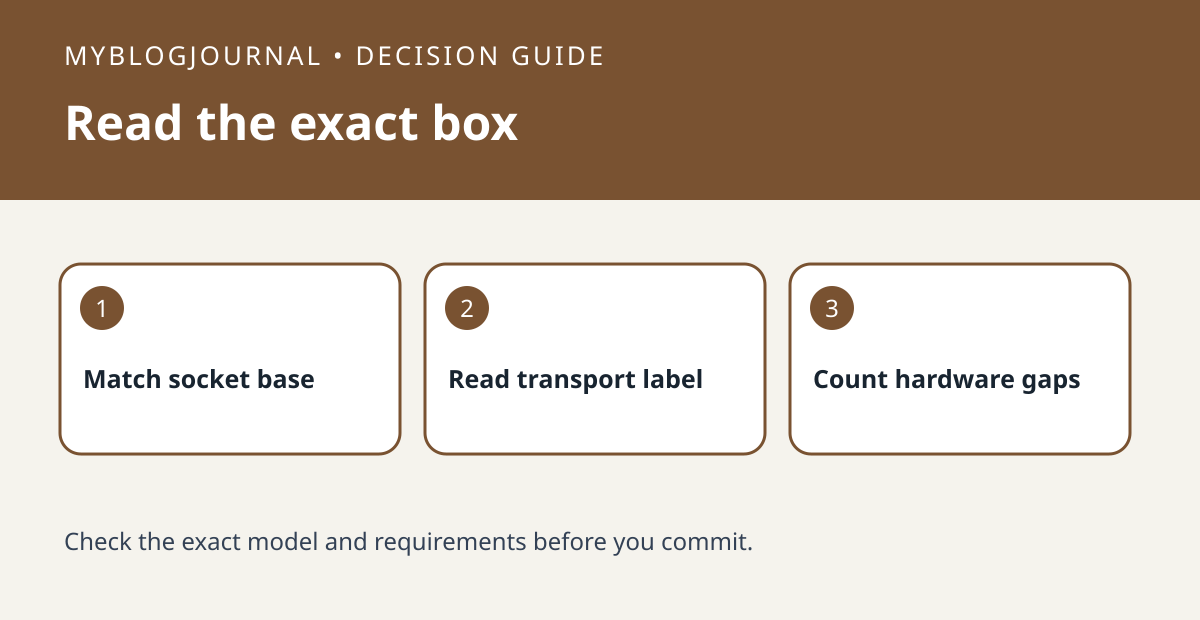
Before buying a Nanoleaf multipack, verify the exact variant, socket base and Matter transport. Nanoleaf sells Matter over Wi-Fi and Matter over Thread variants, and its documentation distinguishes legacy HomeKit models as well. A listing that says only “Nanoleaf Essentials” or “Matter” is not enough to tell you which infrastructure the bulbs need.
Match the listing to one lamp and one app
Record the socket base from your existing lamp and the full model or transport printed on the box. For an open-box lot, ask for a photo of each variant label instead of assuming all bulbs match. Nanoleaf says Matter over Wi-Fi uses a compatible Matter controller; Matter over Thread additionally needs a compatible Thread border router. Check the devices you already own for those roles rather than assuming every smart speaker provides both.
Compare the cost of one working lamp
Add only the missing equipment to each option’s quoted price. For example, two equally priced packs can have different setup costs if your home already has a controller but no compatible Thread border router. If you need a particular automation, test one bulb before committing to a larger lot. Basic pairing does not prove all features are available in your preferred app.
Source: manufacturer’s current documentation. Related: check the companion setup or buying guide.


