
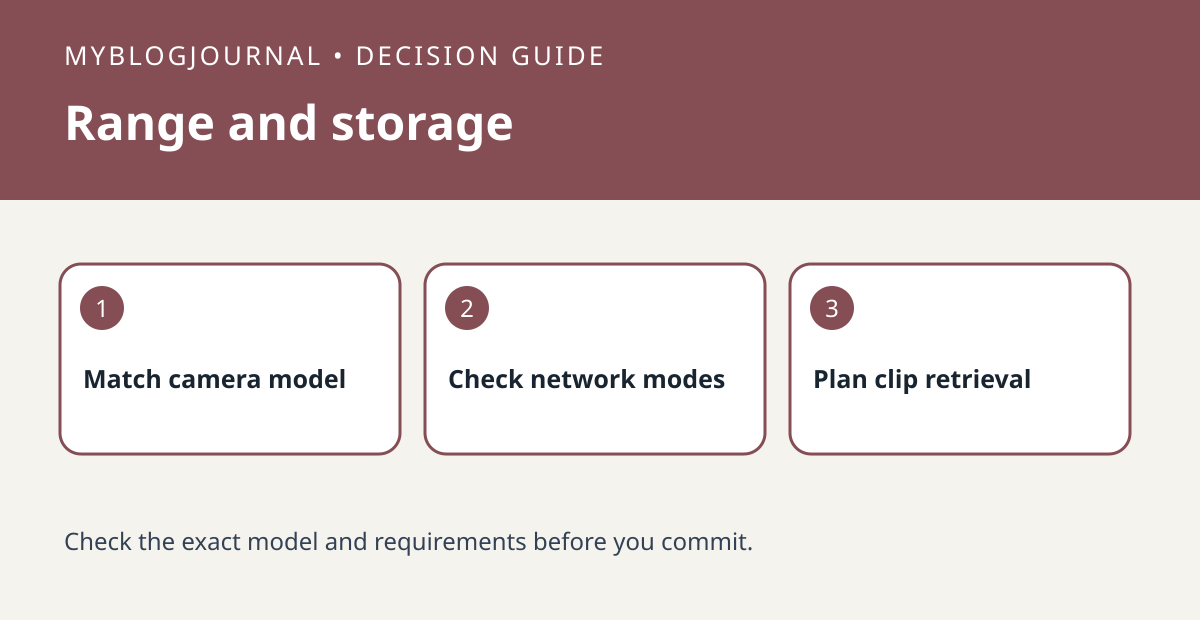
Buy a Blink Sync Module XR only after checking both the camera you need to reach and how you want to keep clips. Blink documents Extended Range support for the Outdoor 4 and identifies microSD local storage on XR versus USB storage on Sync Module 2. Owning a Blink camera is not, by itself, evidence that it gets the range feature.
Write down what the new module must fix
List the weak camera, exact model and intended mounting spot. Check the vendor’s current range modes and feature trade-offs for that camera before treating the most distant advertised mode as the best option. For example, a camera that drops off near the shed has a different problem from a camera that connects well but cannot save footage using your intended workflow.
Plan storage and acceptance as separate tasks
List the existing storage media and the media required by the new module. Keep old recordings accessible before replacing or moving equipment; do not assume a USB drive can be inserted into the XR or that old clips migrate with a camera. After setup, test connectivity and then record and retrieve one timestamped clip using the intended path. Compare the total price of the module plus compatible media, not the module alone.
Source: manufacturer’s current documentation. Related: check the companion setup or buying guide.


