
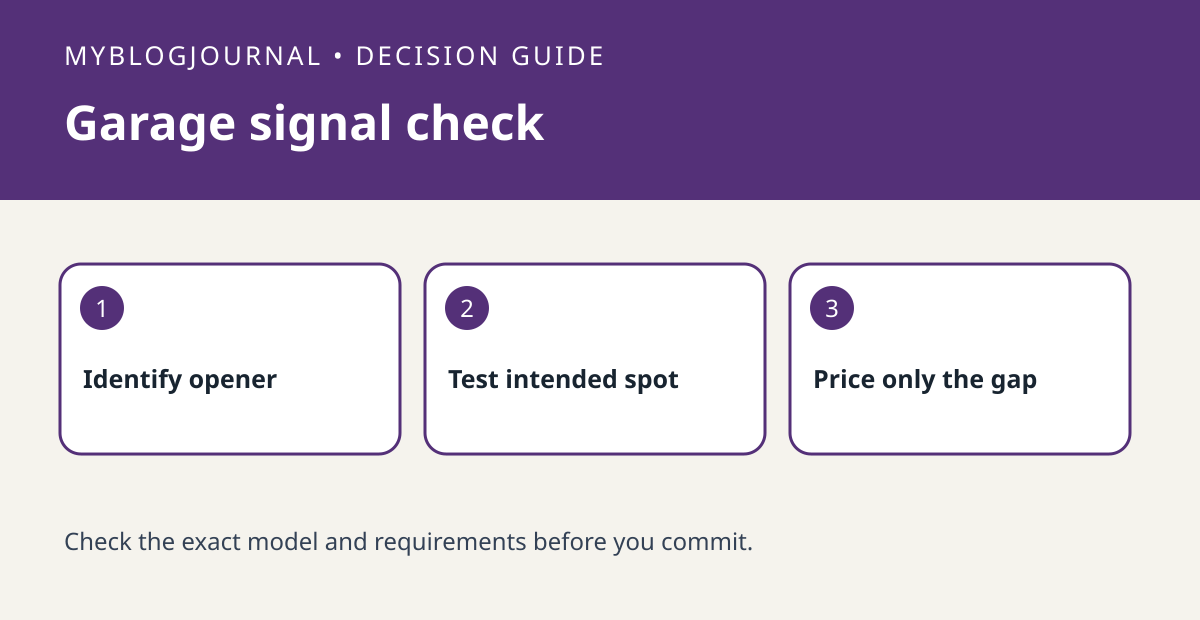
A working phone connection at the house door does not show that a myQ device will have usable Wi-Fi at its mounting location. Chamberlain recommends a strong signal and specifies 2.4 GHz requirements for applicable products. Verify opener and accessory compatibility separately; good signal will not make the wrong controller compatible.
Test the spot where the device would sit
Use Chamberlain’s signal-check guidance at the intended location, not at the kitchen router. Note whether the garage door is open or closed and repeat under the conditions you normally expect. For example, if the phone connects near the interior door but drops service near the opener when the garage is closed, record that difference rather than changing the router first. A phone check is a screening tool, not a promise that the controller will behave identically.
Buy only after separating compatibility from coverage
Write two lines: “exact opener and controller match” and “usable network at installation point.” Resolve an unknown line before paying. If coverage is the only issue, compare a permitted router or access-point position against a compatible networking upgrade. Do not disable router protections to troubleshoot. Do not alter opener wiring, sensors or safety features as part of a Wi-Fi test.
Source: manufacturer’s current documentation. Related: check the companion setup or buying guide.


