
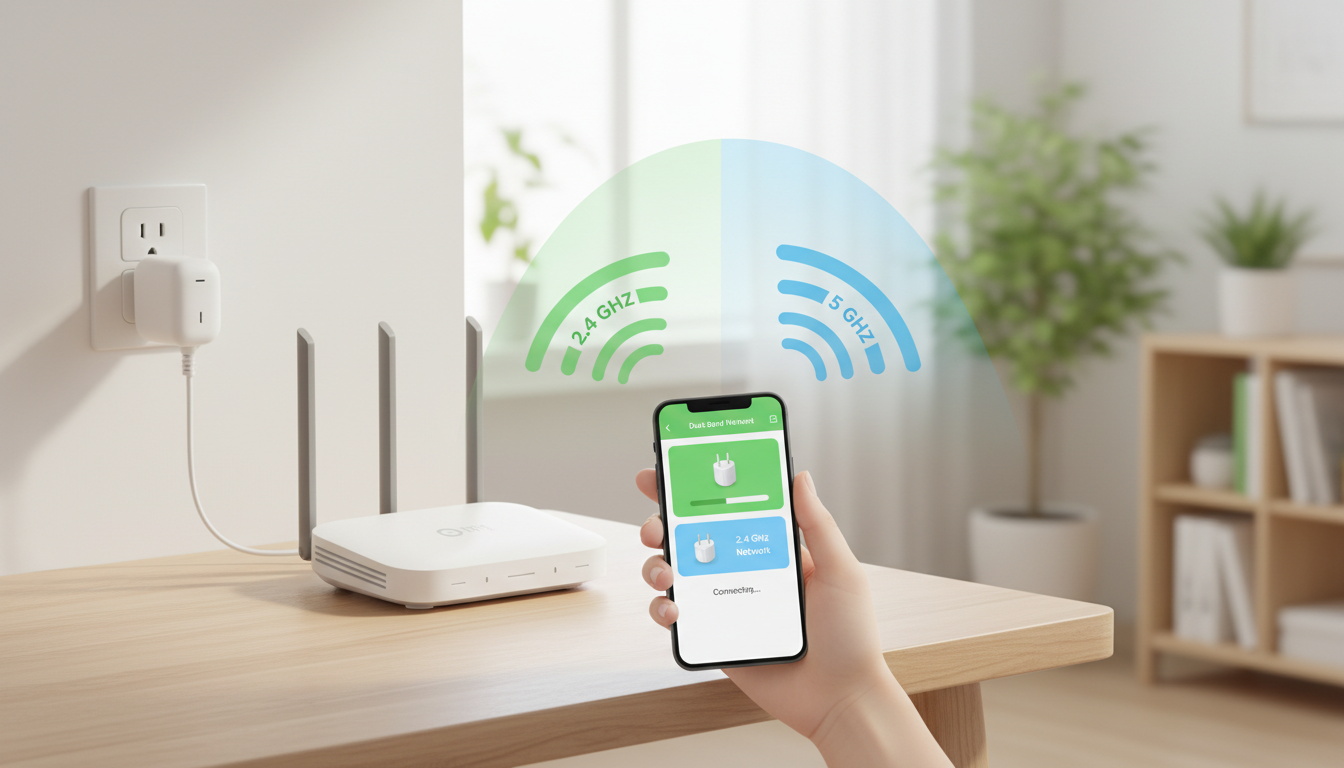
Short answer: Check the plug’s exact Wi-Fi requirement first. Many budget plugs use 2.4 GHz only; a phone on 5 GHz, band steering, setup permissions, or a plug that is no longer in pairing mode can make setup fail.
This sequence is for a new plug that powers on but does not complete app setup. This guide is based on current manufacturer and standards documentation reviewed November 5, 2026. It is a specification-and-workflow guide, not hands-on product testing.
Start with the decision, not the label
Do not start by changing every router setting. Separate four questions: is the plug in pairing mode, is the phone connected to the required home network, can the app use Bluetooth/local-network permissions, and does the exact plug support the router’s security and band configuration?
Use this check before you buy
- Read the model-specific setup guide; do not generalize from another plug.
- Power one unconfigured device at a time.
- Confirm the required indicator-light pattern and reset only as the manual directs.
- Place phone, plug, and router close together for setup.
- Temporarily select the 2.4 GHz network if your router exposes separate names.
- After connection, move the plug to its intended outlet and verify it remains online.
Worked example
Hypothetical: a dual-band router shows one network name, while a Kasa plug requires 2.4 GHz. The buyer confirms pairing mode, allows the Kasa app’s local-network access, and follows TP-Link’s setup flow. If setup still fails, the useful record is the plug model, router model, security mode, and exact error—not a repeated factory reset.
What can change the answer
The 2.4 GHz rule is model-specific. Some newer smart devices support other bands or Matter. Router menus differ, and weakening network security merely to connect a device is not a safe default. Use the manufacturer’s supported settings or return an incompatible product.
Primary sources checked
- TP-Link: Kasa smart-plug setup
- TP-Link: Tapo plug configuration failures
- TP-Link: Kasa offline troubleshooting
Keep the next step useful
After setup, compare the plug’s complete role and costs with the existing budget smart-home guide rather than buying several before one proves reliable.
Image: original MyBlogJournal editorial illustration created for this article; no third-party image or endorsement.


