
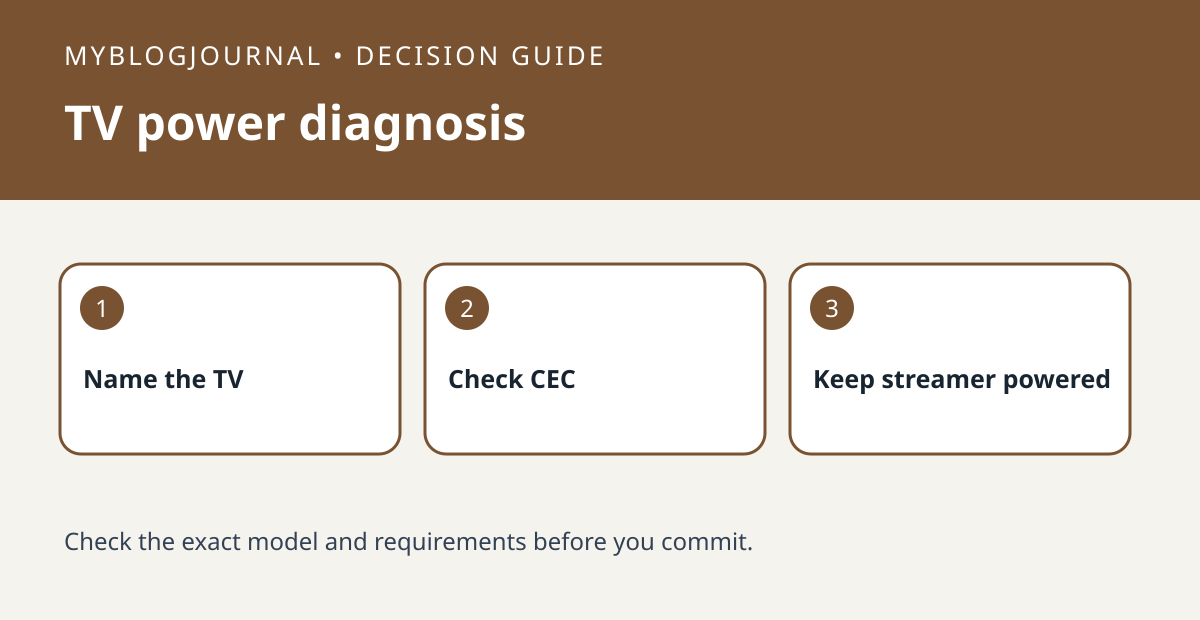
If a Google speaker can control a TV while it is on but cannot wake it, check HDMI-CEC and the streamer’s power source before replacing equipment. Google’s instructions require compatible CEC control and recommend powering the streaming device so it stays on when the TV turns off.
Test power control separately from playback
Use the exact name of the TV or streamer in the command and record what works with the TV on. Check the TV manual for its name for HDMI-CEC and whether that setting is enabled. If the streamer takes power from the TV’s USB port, it may stop responding when the TV is off. Compare with the supported power adapter and an appropriate outlet before assuming the voice command is at fault.
Retest the same command from the same setup
For example, if casting works and named TV control works when the TV is already on, change only the supported power source first and repeat the wake test. If it still fails, note the TV and streamer models and whether a receiver or switch sits between them. Check each device’s CEC support instead of buying a replacement speaker or changing your default music device to solve a TV power issue.
Source: manufacturer’s current instructions. Related: troubleshoot default speaker routing separately.


