
If your reason for buying a card is to review footage from your phone, verify the exact Wyze camera’s playback path before ordering. Wyze documents that Wyze Cam Outdoor does not offer in-app playback of microSD recordings. Do not infer the playback workflow for that model from a tutorial for a different Wyze Cam.
Write the retrieval requirement as a sentence
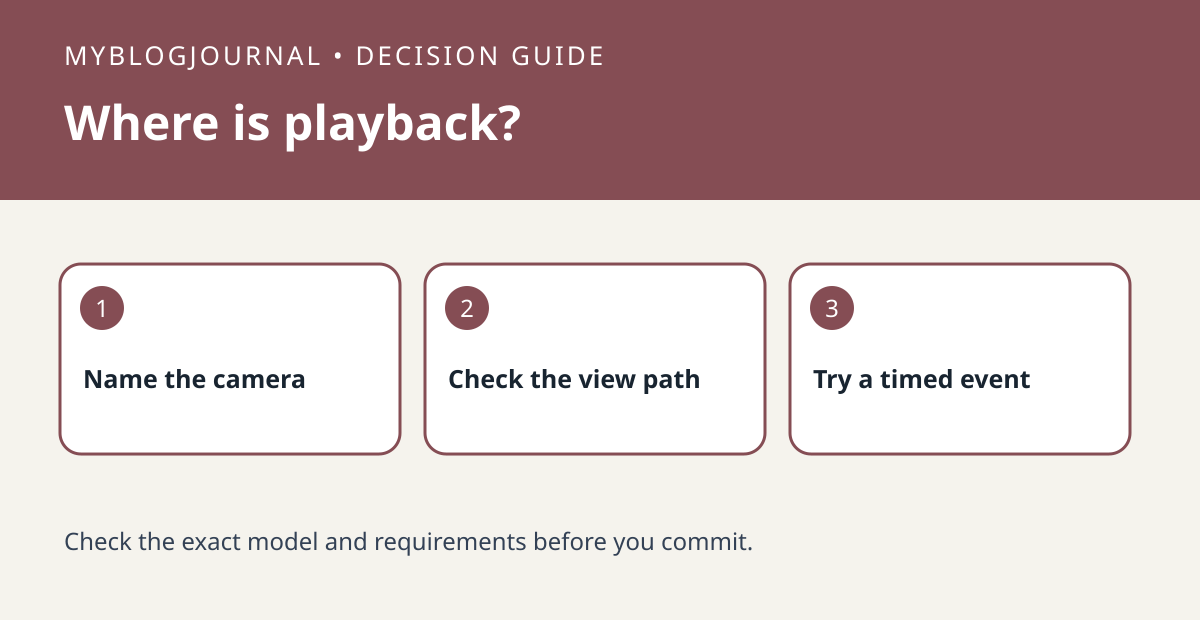
For example, “While away, I need to open the phone app and review a clip from 3:10.” Then check whether the exact model and recording mode support that path, whether it involves local or cloud footage, and whether a card must be removed. A model that can store video can still fail the retrieval requirement. Verify card support and any recurring plan separately instead of assuming one purchase provides both.
Test with a known timestamp
Trigger a harmless event with a consenting person, write down the time and look for it using the intended device and workflow. If you need a computer or card reader, include that friction and cost in the comparison. If the clip appears in cloud events but not in local playback, record which source you actually verified. Do not buy more cards until you know which part of the recording or retrieval chain is missing.
Source: manufacturer’s current instructions. Related: compare another camera’s card playback path.


