
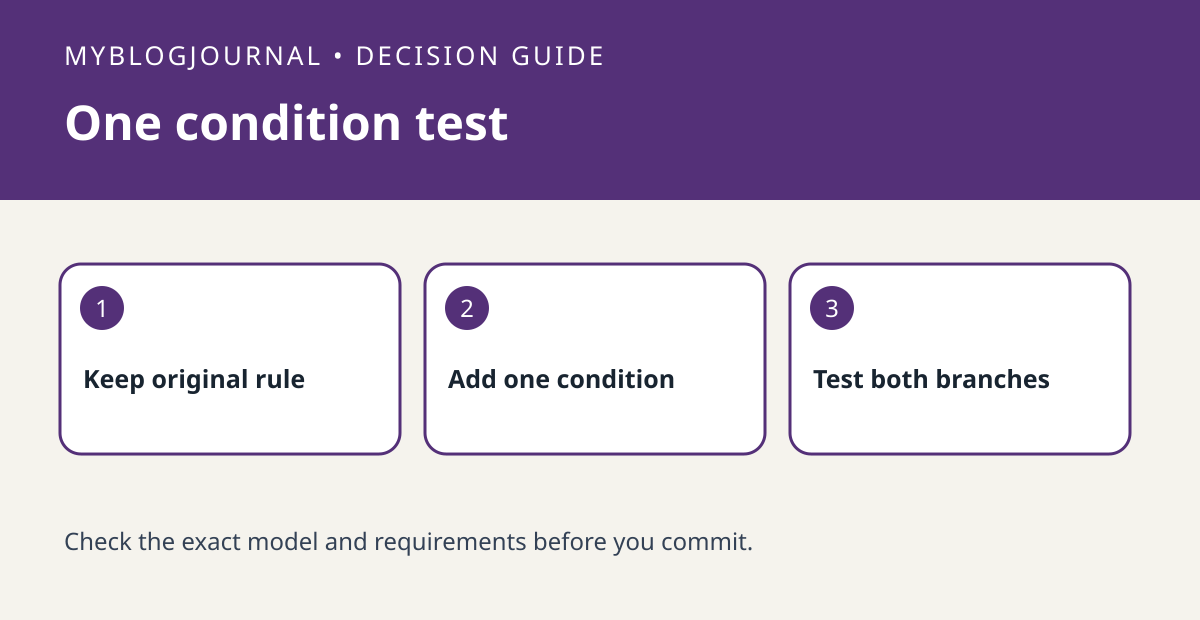
If an Apple Home trigger works but you want it to do something only under a second condition, check whether Convert To Shortcut is available before buying another accessory. Apple documents the option in the accessory selection screen for Home automations. Use a small test rather than changing a reliable household rule in place.
Keep the trigger and condition separate
Suppose opening a door should turn on a lamp only if another light is already off. Write “door opens” as the trigger and “other light is off” as the condition. Pick a harmless output and record the current behavior. In the Home automation setup, look for Convert To Shortcut as Apple describes. Use only accessory states and actions that the editor actually offers in your home.
Test true and false without overlapping rules
Run one test with the condition met and one with it not met, noting the expected and actual lamp state. If neither works, first verify that a simple automation with the same trigger runs and that the home hub requirements are satisfied. If both turn on the lamp, check whether a separate existing rule fired. Do not use an unverified shortcut for critical access, safety or security functions.
Source: manufacturer’s current instructions. Related: check which device can act as a home hub.


