
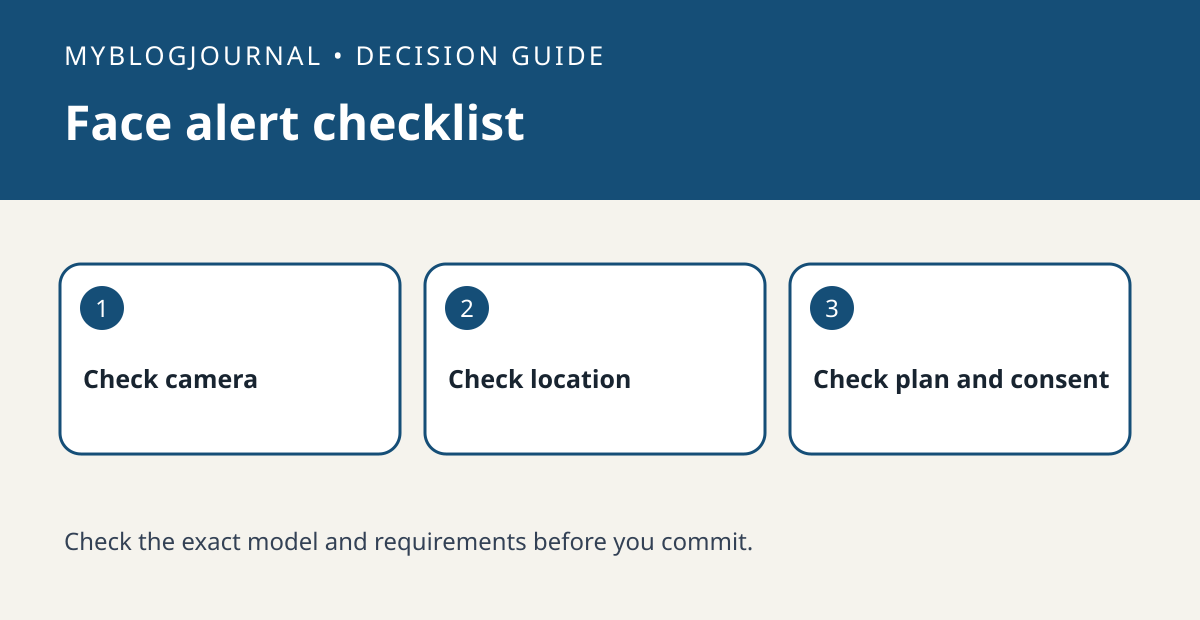
Do not buy a Nest plan just to get familiar-face alerts until the exact camera, installation location and subscription all qualify. Google’s help page lists availability limits and says the feature is not available for cameras based in Illinois. That is a product availability statement, not legal advice or a rule for other services.
Separate a person alert from a familiar-face alert
If all you need is to know someone approached the door, check the device’s ordinary person-alert features first. If you specifically want to distinguish familiar people, find your exact camera model in Google’s guide, check the installation location and confirm the plan requirements. Write those three results next to the actual renewal quote. A plan upgrade cannot fix a model or location mismatch.
Decide whether the household wants the feature
Before enabling face recognition, discuss whether the household wants to use it, what alerts are useful and who should manage the settings. Test with a willing household member and do not treat a recognition result as identity verification. If ordinary motion or person alerts do the job, avoid adding a recurring charge solely for a feature you do not need. Continuous video history is a separate plan decision.
Official documentation: manufacturer’s guide. Related: compare event and continuous video history.


