
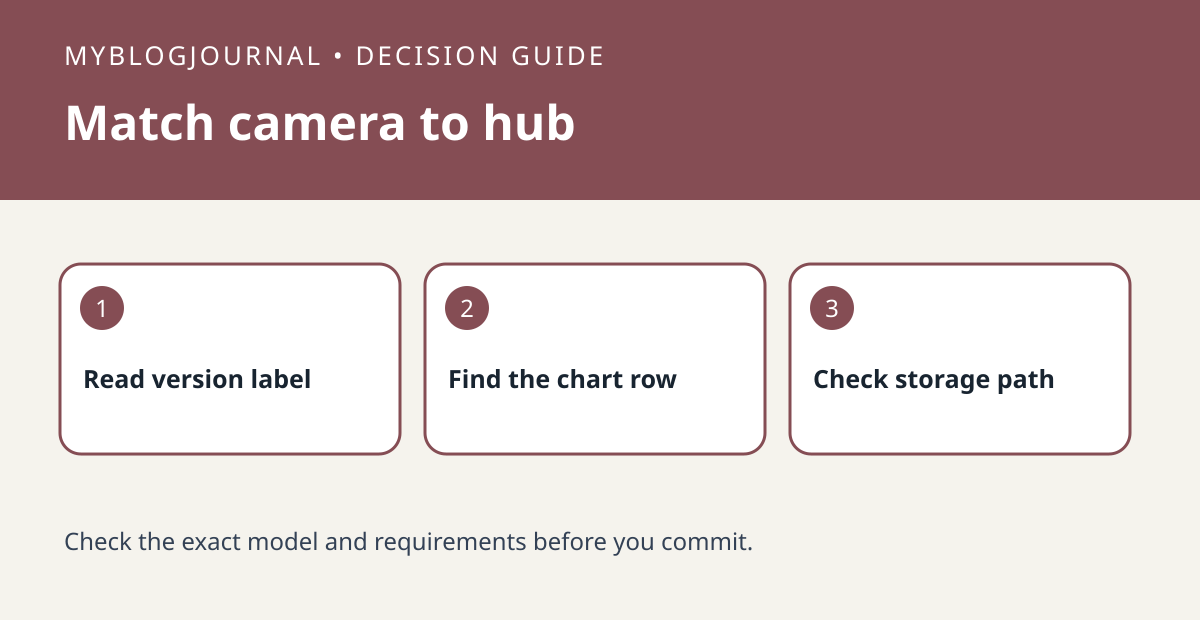
Use the exact camera model and hardware version to check Tapo H200 or H500 support. TP-Link’s U.S. chart distinguishes camera connections from other types of hub pairing and warns that compatibility varies by hardware version. A listing that says “works with Tapo” does not answer this specific question.
Make the seller identify the unit you will receive
Record camera model, hardware revision and region. For a camera you already own, compare its label and device information; for a used or open-box listing, ask for a photo of the model and version labels without sharing setup codes. Look up the exact row for the intended hub. If you cannot identify the revision or the row is unclear, do not treat the purchase as confirmed compatible.
Check the job after checking the connection
Write “I want this hub to do ___” before looking at accessories. A compatible connection is not, by itself, proof that a particular storage or playback path is available. For example, if the goal is to retrieve a clip after a package delivery, confirm where it is stored, how you retrieve it and any additional hardware or plan required. If you instead want to record to a separate network video recorder, that is a different compatibility check. Keep the camera, hub and any needed storage as separate lines in your quote.
Official documentation: manufacturer’s current guide. Related decision: check whether a Tapo camera supports a local network recorder.


