
If a battery-powered doorbell needs frequent charging, compare its settings and actual activity before assuming the battery is defective. Battery-saving changes can alter what gets recorded, so evaluate both runtime and the coverage you need.
Check the exact product
Google’s battery-saving guidance describes settings for supported Nest cameras and doorbells and notes that an estimated battery life becomes available approximately 48 hours after charging. Check the exact model and current instructions.
An estimate is not a guaranteed operating period. Do not compare your busiest entrance with another household’s quiet location as if conditions match.
Establish a baseline
Record charge date, starting level, recording settings, event activity and any unusual use. Note the dates rather than remembering that the device lasts “about a week.”
Keep repeated live viewing and other relevant usage in your observation record. Do not conclude that one changed setting caused an improvement if several other conditions also changed.
Review what changes
Read the manufacturer’s explanation of each battery setting before adjusting it. Consider whether the resulting recording behavior still meets your needs.
A longer interval between charging is not necessarily a better outcome if a change removes the event coverage you wanted. Keep battery use and desired evidence as separate criteria.
Compare one adjustment
Make one supported change and observe a reasonable period under comparable conditions. Record what changed and whether relevant events remain available.
For a hypothetical example, a quieter week can produce fewer recordings and lower consumption even with identical settings. Label the result observational rather than presenting it as measured proof of a setting’s efficiency.
Preserve recordings before major changes
If important footage exists, verify a supported export before removing devices or changing subscriptions. Our clip-backup guide explains why a visible timeline is not a separate backup.
Follow the exact manufacturer’s charging instructions and use the appropriate equipment. Do not improvise a charging arrangement or modify a doorbell’s electrical installation.
Escalate unexplained problems
Use Google’s battery troubleshooting guidance for the actual warning or behavior. Retain model, observed levels, dates and current settings for support.
For the purchase decision, compare doorbell storage costs alongside charging access and ongoing maintenance.
Sources checked November 5, 2026. This guide does not diagnose a battery defect, guarantee runtime or replace the device’s safety instructions.
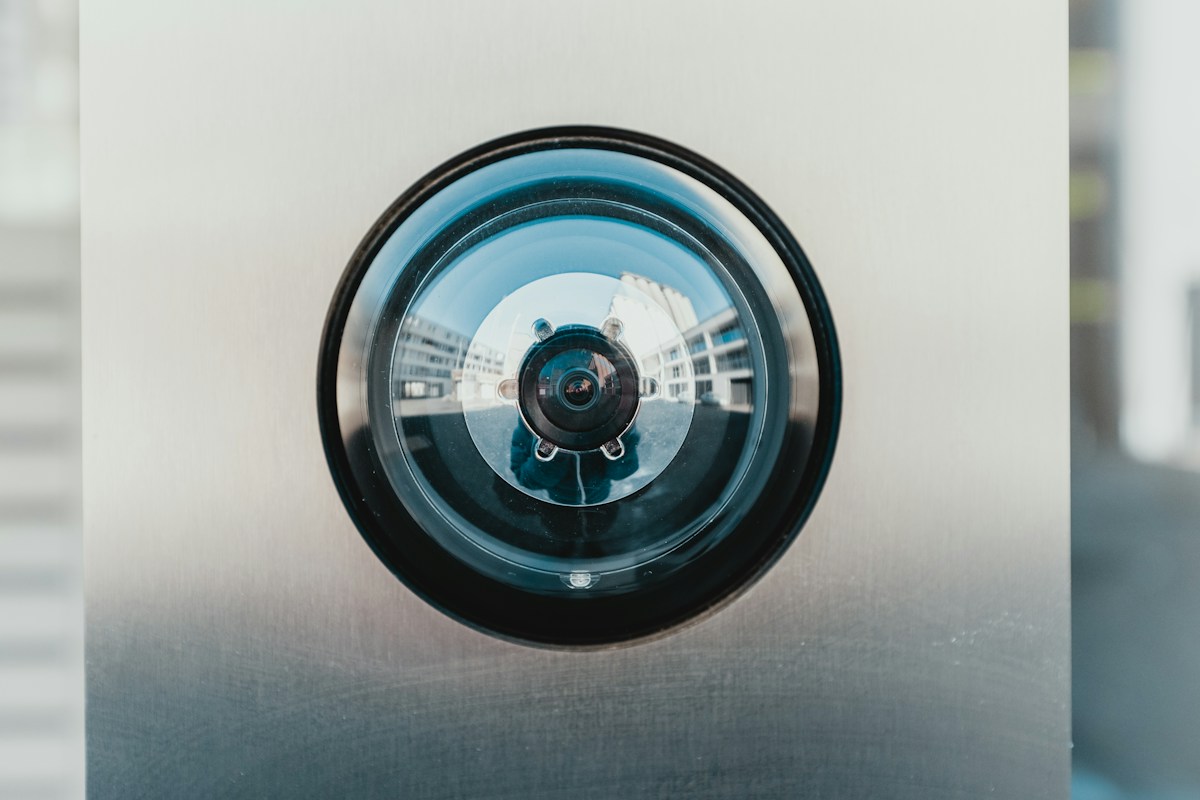
Illustrative photo: Bernard Hermant on Unsplash. No tested installation or endorsement is implied.


