
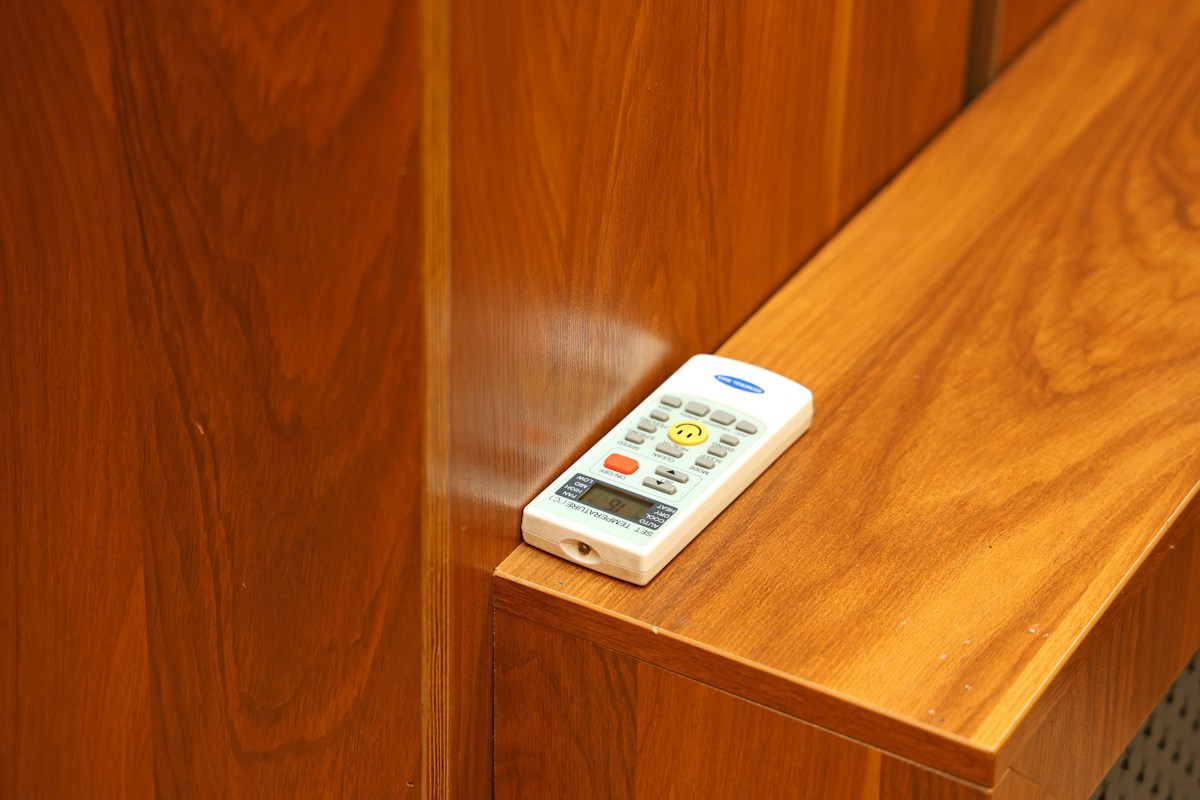
A smart hub that learns infrared commands is not automatically a replacement for every handheld remote. Confirm the appliance’s control technology and a workable hub location before buying.
Identify the original remote
SwitchBot’s remote-technology guidance distinguishes infrared, Bluetooth and other radio-frequency controls. Its infrared-learning capability should not be interpreted as support for an unrelated RF or Bluetooth remote.
Record appliance model and original remote model. Check the manufacturer’s compatibility information rather than assuming a device is infrared because its remote has familiar buttons.
Find the receiving path
The hub must send a supported command to the appliance’s receiver. SwitchBot’s placement guidance discusses the relationship between hub location, infrared appliances and connected Bluetooth devices.
A hub online in an app can still be poorly positioned for the appliance. Do not put it behind an opaque obstacle and assume network connectivity guarantees infrared delivery.
Compare one appliance at a time
List the functions you actually require: power, temperature, fan speed, input or another supported control. Confirm the exact product’s available method for adding the remote.
A working power command does not prove that every other function works. Check essential functions individually before building automations around them.
Keep command and feedback separate
An app may show the command it attempted to send without independently measuring the appliance’s current condition. Ask what feedback or synchronization the specific system supports.
For example, someone using the original remote may change the appliance without the app reflecting that change. Do not interpret a displayed setting as verified room temperature or operating state.
Use a placement worksheet
Record hub model; appliance and remote; control technology; hub position; obstacles; supported functions; command result; feedback behavior. Keep the original remote accessible during evaluation.
If one position works and another does not, preserve that observation instead of resetting the whole smart-home configuration. Follow manufacturer limits and avoid opening either device.
Include the full cost
Check hub, power supply, additional accessories and any required service. A hub advertised as a broad controller may still leave some appliances unsupported.
Read the budget smart-home guide and ongoing-cost worksheet before comparing offers.
Sources checked November 5, 2026. No universal compatibility, hands-on remote test or appliance-safety function is claimed.
Illustrative photo: Babak Eshaghian on Unsplash. No tested installation or endorsement is implied.


