
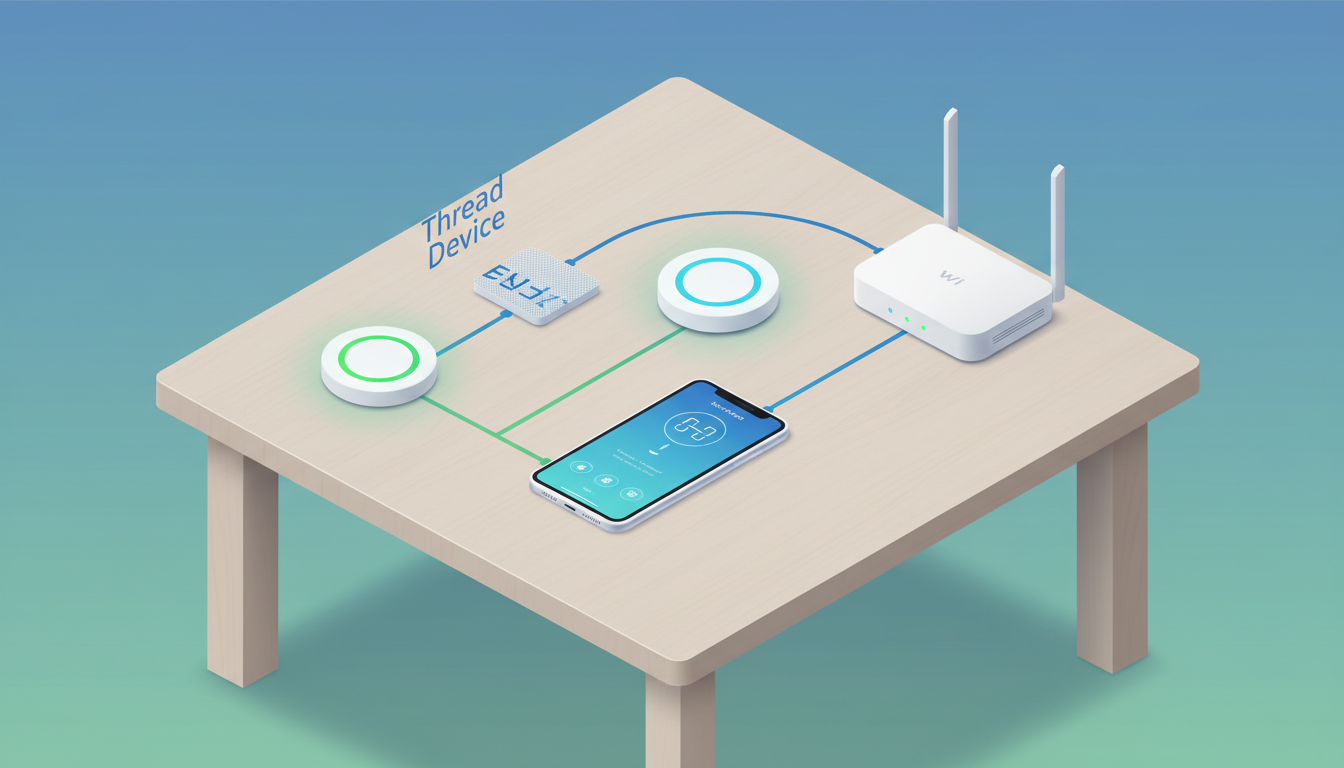
Short answer: A Matter controller runs setup and control; a Thread border router connects Thread-based Matter devices to the rest of your home network. Some hubs do both jobs, but the product listing must confirm the exact model and function.
This is for shoppers who see “Matter” or “Thread” on a box and want to avoid buying an unnecessary hub. This guide is based on current manufacturer and standards documentation reviewed November 5, 2026. It is a specification-and-workflow guide, not hands-on product testing.
Start with the decision, not the label
First identify the device’s transport: Matter over Wi-Fi, Matter over Thread, or a proprietary system. A Matter-over-Wi-Fi device needs a compatible Matter controller and Wi-Fi. A Matter-over-Thread device also needs a Thread border router. Do not assume any smart speaker, display, or router includes both roles.
Use this check before you buy
- Find the exact model’s Matter logo and supported ecosystem.
- Look for “Matter over Wi-Fi” or “Matter over Thread” in the manufacturer setup page.
- Inventory equipment you already own; record model generation, not just brand.
- Confirm the controller’s app supports that device type.
- For Thread, verify a listed Thread border router and working IPv6 network support.
Worked example
Hypothetical: a $25 sensor uses Matter over Thread. The buyer already owns a compatible Nest Hub (2nd gen), which Google lists as both a Matter hub and Thread border router. The added hardware cost may be $0. If the buyer owns only a Wi-Fi smart speaker without Thread, the same sensor can require another hub. The sensor price alone does not reveal total setup cost.
What can change the answer
Matter support expands by device type and platform, and firmware can change capabilities. “Thread” by itself is a networking technology, not proof that a product joins every Matter ecosystem. Check the live support page again before checkout.
Primary sources checked
- Google: prepare your smart home for Matter
- Google: set up Matter devices
- Connectivity Standards Alliance: Matter FAQ
Keep the next step useful
Use the inventory method in our under-$50 smart-home guide, then record the controller and border-router model beside each candidate device.
Image: original MyBlogJournal editorial illustration created for this article; no third-party image or endorsement.


