Prove the speaker can charge first
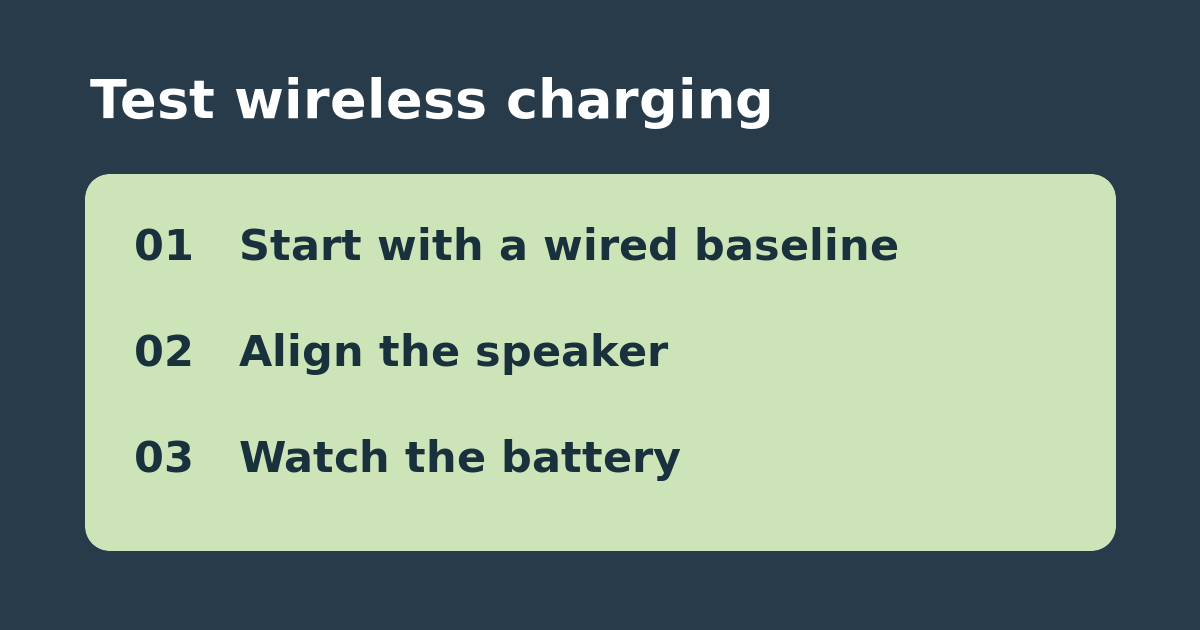
A compatible wireless pad can still be awkward to align with a portable speaker. Sonos documents USB-C and Qi charging for Roam, Roam SL, and Roam 2. Start with a working wired setup suited to your model and a battery that is not already full. Leave the speaker idle and note the battery percentage before and after a short interval. If the wired setup does not charge, establish a reliable baseline before judging a wireless stand.
Try two placements on the same pad
Disconnect the cable and put the speaker on a supported, powered Qi pad. Use the manufacturer’s placement guidance, then look for the charging indicator in the Sonos app. Leave the speaker still for a comparable interval and check whether the battery rises. If the indicator is intermittent, reposition it and repeat without changing the power supply. Compare placements on the same pad before moving on to a different charger. Avoid using damaged equipment or testing a pad that gets unusually hot.
Buy for repeatable placement rather than a single light
If one placement consistently charges, mark the usable orientation and keep the pad. If the battery gains only when the speaker is balanced in a spot it easily slips from, a fitted stand may be worth considering. If wired works but neither placement on a compatible pad does, verify the pad and its power supply before buying a replacement speaker. Do not use this test to assume compatibility with the Sonos Move, which has separate charging instructions.
See the official instructions. Related: check USB-C power for the original Sonos Move.