A USB-C plug is not a power specification
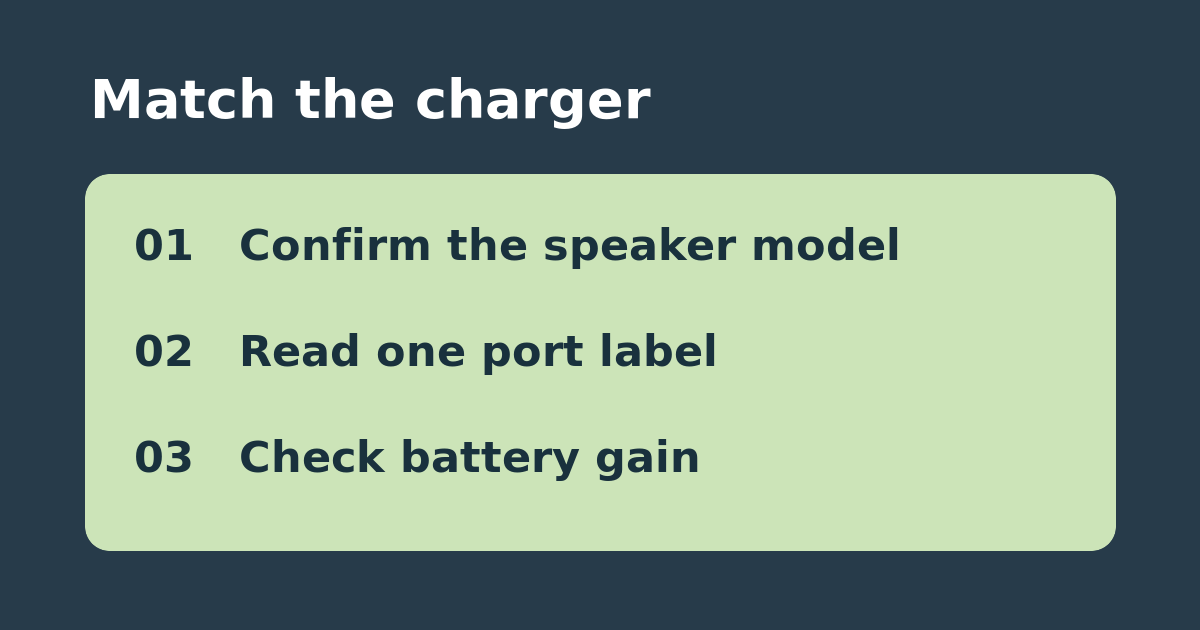
If a used original Sonos Move includes no charging base, identify the speaker before assuming a charger advertised for a different generation will work. Sonos specifies a USB-C Power Delivery adapter with at least 45 W for the original Move, including a 20 V/2.25 A or 15 V/3 A output. Compare the actual output table, not just the charger’s largest number. For example, 15 V × 3 A is 45 W; a port offering 15 V × 2 A supplies only 30 W at that profile.
Check the port you intend to use
Find the PD output for the specific USB-C port. On a multiport charger, check whether that port still supplies the required profile with another device attached; a combined wattage printed on the box does not establish per-port output. Use a suitable, undamaged USB-C cable. First test with the speaker idle and the charger serving only the speaker. Note the battery percentage before and after a short charging interval, rather than relying on the connector fitting or an indicator alone.
Buy only what the test leaves missing
If an existing adapter produces a rising battery reading, use it as the spare. If the base works but a USB-C combination does not, check its PD label and try a known suitable cable before concluding the speaker needs repair. If you need the charger to serve several devices at once, buy based on the published port allocation in that configuration. This checklist is for the original Move; check the separate manufacturer instructions for another model.
See the manufacturer’s instructions. Related: check Bluetooth setup on the original Sonos Move.