
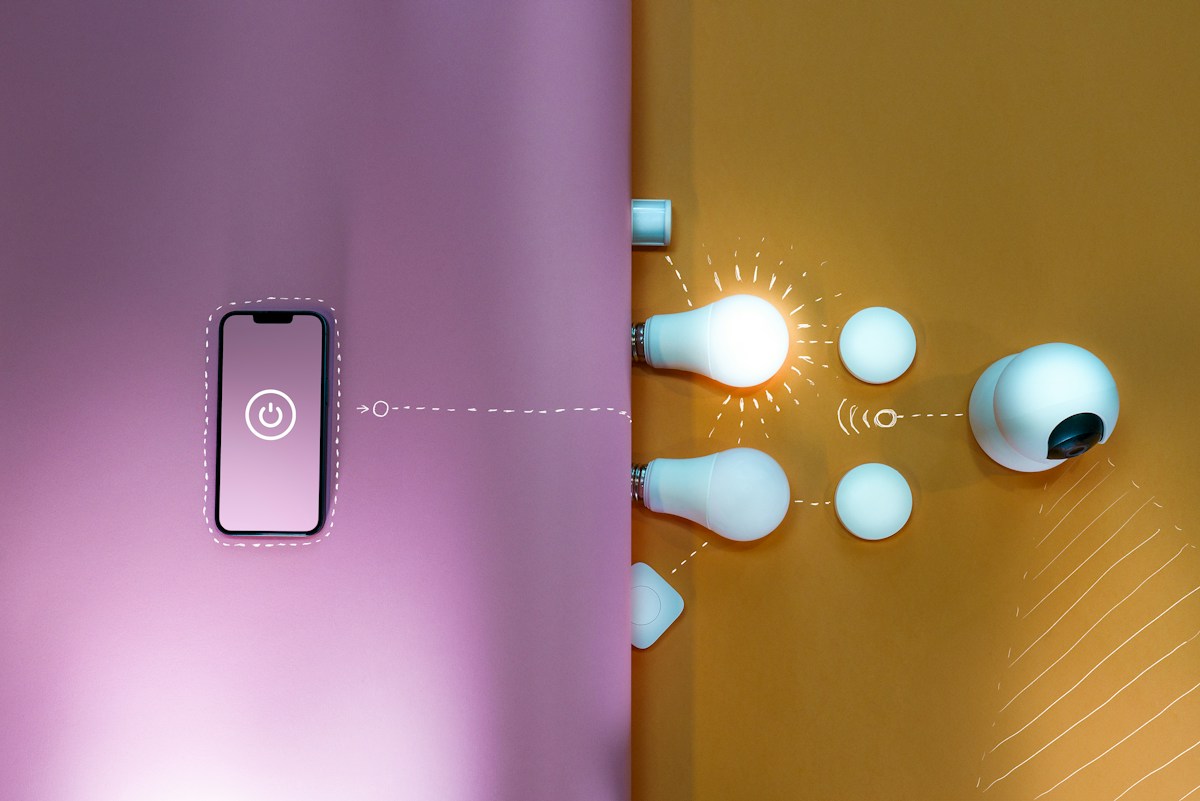
A Matter device already working in one ecosystem may support control from a second compatible ecosystem. That is a different task from inviting another person into the first app. Identify which kind of sharing you need before resetting the device or sending a setup code.
Choose the right sharing task
If another household member only needs access within your existing platform, review that platform’s household permissions. If you want the same device in another Matter-certified platform, investigate multi-admin support for that exact device category and both platforms.
Google’s Matter setup guidance describes multi-admin and sharing with another compatible app. TP-Link’s multiple-controller instructions distinguish the original commissioning code from a code generated through an existing ecosystem for an additional connection.
Confirm the current working state
Record exact device model, firmware, first platform, desired second platform and whether basic control works now. Confirm the second platform supports the device type, not merely Matter in general.
Keep the original setup information private. Do not post commissioning codes in a public forum or product review. A support screenshot should conceal codes and unrelated household details.
Follow the sharing flow from the first platform
Use the current instructions to open a pairing or sharing window from the app that already controls the device. Generate the temporary code as directed, then complete the second platform’s supported flow.
Do not repeatedly scan the original packaging code when the instructions require a newly generated code. Temporary codes or windows can expire; generate another through the documented process if needed rather than factory resetting as a first response.
Verify two independent controls
After adding the second app, check basic control in each platform. Use one identifiable, noncritical action and confirm it affects the intended device. Similar names can make a successful connection look like the wrong device.
Then check which features each platform exposes. Seeing an on/off tile in both apps does not prove manufacturer-specific settings or every automation feature migrated.
Avoid conflicting automations
In a hypothetical household, one platform may schedule a lamp on at sunset while the other turns it off at a fixed time. Both commands can be valid even if the result feels unpredictable.
Keep a short record of the device, platform, routine, trigger and action. Change one conflicting rule at a time. Multi-admin adds control paths; it does not automatically coordinate every routine.
Distinguish sharing from infrastructure
A second app does not replace any controller or network infrastructure required by the product. Read our controller versus Thread border-router guide and smart-bulb connection comparison for those separate decisions.
Documentation checked November 5, 2026. This is a documented workflow, not a tested compatibility guarantee for every device or platform.
Photo: Jakub Żerdzicki on Unsplash. Illustrative stock photograph, not a tested installation or endorsement.


