
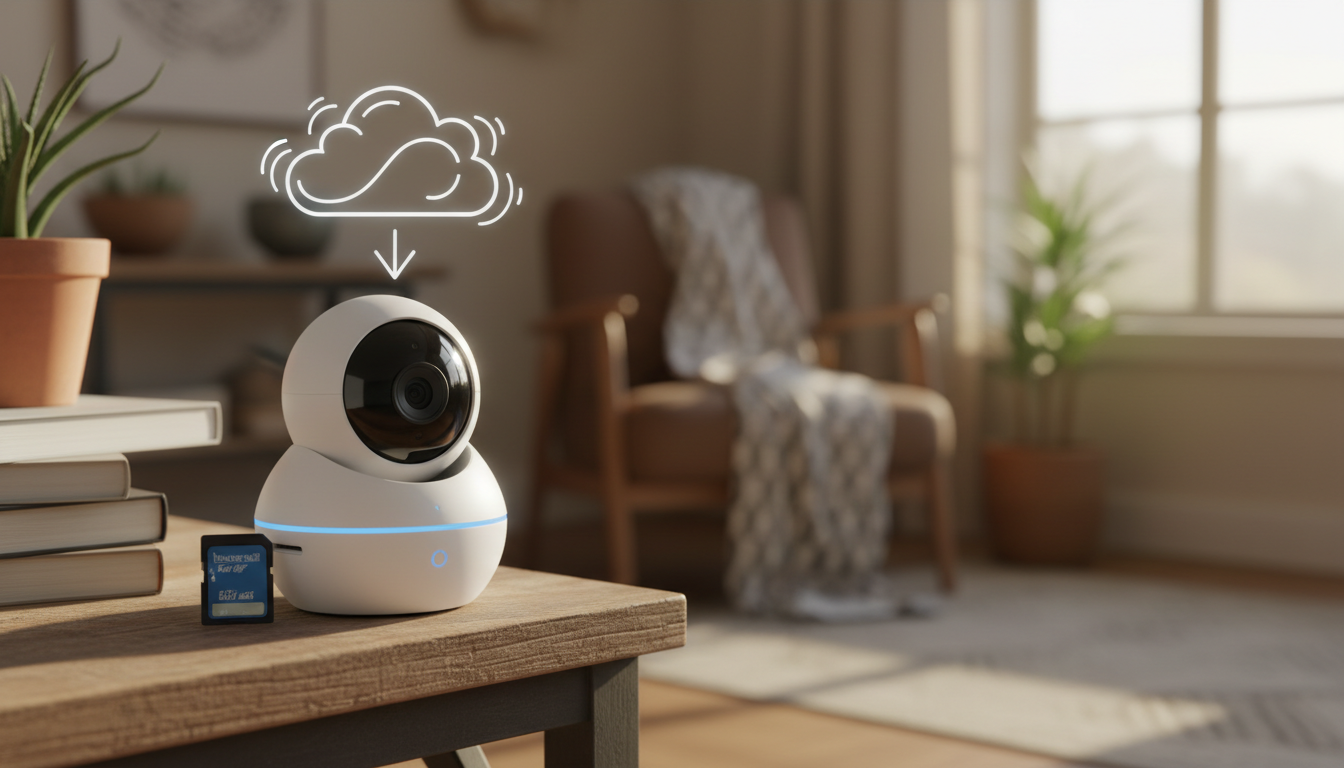
Short answer: Compare the complete recording system, not just camera price. A microSD camera can avoid a monthly plan, but the card may be sold separately and local access differs from cloud history. A cloud camera can offer convenient off-site history while creating a recurring cost.
This is for a shopper choosing one indoor camera for a pet, entry, or general room check. Sources were reviewed November 5, 2026. This is a specification-and-decision guide, not hands-on testing or a personalized contract, legal, HVAC, or fitness recommendation.
Start with the decision
First define the evidence you need: live view only, short motion clips, continuous recording, off-site history, or downloadable events. Then check which features work without a subscription and where the storage physically resides.
Use this checklist
- Confirm the exact model’s supported local-storage type and maximum capacity.
- Check whether the card, hub, or subscription is included.
- Separate recording from optional detection summaries and rich notifications.
- Read what happens when Wi-Fi or power fails.
- Plan account security, software updates, retention, and eventual card replacement.
- Do not point an indoor camera at private spaces used by guests or other household members without clear agreement.
Worked example
Hypothetical: Camera A costs $30 and needs a $15 microSD card; Camera B costs $30 and a $4 monthly cloud plan for the desired history. Ignoring taxes and card replacement, the first-year totals are $45 and $78. At three years they are $45 and $174. These are worksheet numbers, not current quotes.
Limits that matter
Supported card sizes, subscription features, and retention periods vary by model and region. Local storage is not the same as an offline backup, and internal camera storage may be inaccessible to the user. Verify the current support page before purchase.
Primary sources checked
- TP-Link Tapo: camera setup and storage options
- TP-Link Tapo: local-storage camera models
- Google Nest: how cameras store recorded video
Useful next step
Add the selected card, hub, or cloud plan to the existing budget smart-home total-cost guide.
Image: original MyBlogJournal editorial illustration created for this article; no third-party image or endorsement.


