
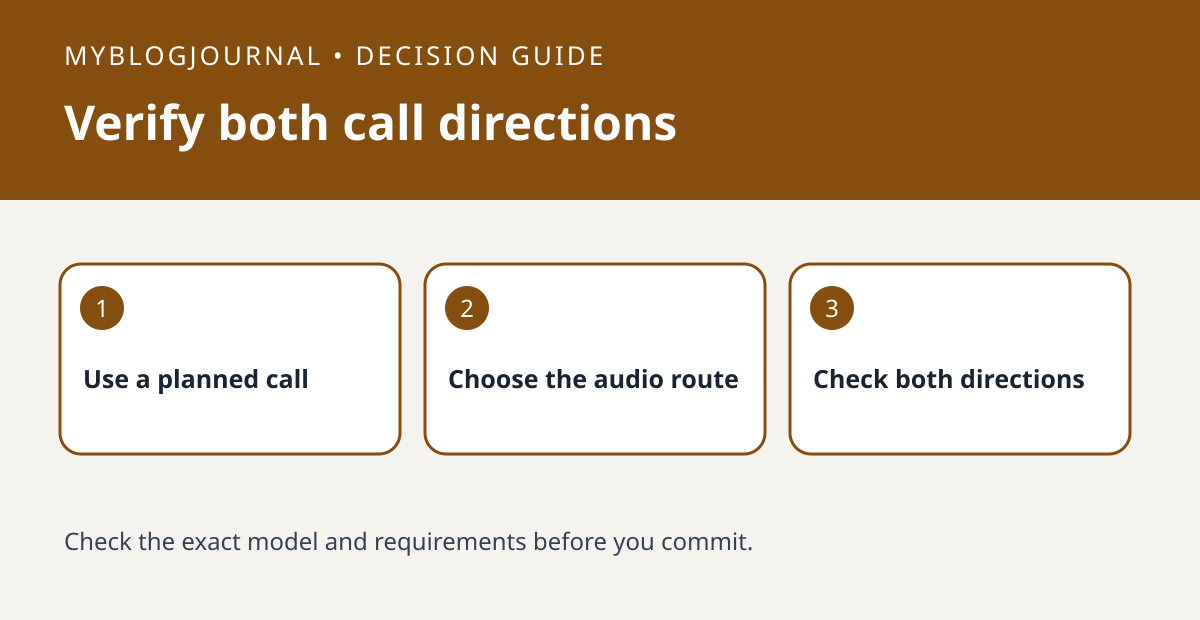
If you already own a HomePod, test routing an iPhone call to it before buying a separate speakerphone for the room.
Set up the test
Use a planned, nonprivate call with someone who agrees to the test. Start on the iPhone, then use the documented audio routing control to select the HomePod if it appears. Confirm you can switch back without ending the call.
Interpret the result
Ask the other person whether they hear you clearly from your normal seat, and note whether you hear them clearly too. Test one placement and one distance at a time. Keep the phone route available if the speaker is unsuitable.
Worked example
If you hear the caller at the desk but they cannot hear you from across the room, a successful handoff is not proof the setup suits that distance. Test nearer seating before buying another device.
Documentation and next step
See the manufacturer’s instructions for supported settings. For a related decision, see homepod handoff vs airplay transfer test.


